
AI FOR RETAIL STORES AND OMNICHANNEL RETAILERS
Stock enquiries answered from your POS, reorder suggestions your buyer approves, supplier invoices matched to orders, click-and-collect messages, review replies and a staff knowledge base for the returns policy. Your team checks the shelf and makes every call on money.
EXAMPLE ONLY · NOT A REAL RETAILER OR CUSTOMER
- SAT 10:12 AMCustomer calls the shop"Have you got the black runners in a size 9 at your store?"… ANSWERED FROM THE POS
- 10:12 AMStock readPOS shows 2 in size 9 at this store and 1 at the second store. Reply: "Our system shows two here"… HOLD OFFERED, NOT PROMISED
- 10:14 AMHold requestedName and mobile taken, task sent to the floor: pick 1 pair, size 9, by 11 AM… STAFF PICKS AND CONFIRMS
- 10:31 AMReady message sent"Your size 9s are held at the counter until 5 PM Sunday." No promotion added… SENT ONLY AFTER THE PICK
- MON 7:00 AMReorder suggestedSize 9 down to 1 across both stores, 3-week lead time: suggest 6 pairs on the supplier draft PO… BUYER EDITS AND APPROVES
NEVER DONE BY THE SYSTEM
Sending a supplier order, refusing a refund, setting a price or telling a customer they have no rights
the system does the looking up · your staff serve the customer
001 / THE SHORT ANSWER
For most independent and multi-store retailers, AI helps first with the questions and paperwork around the counter: stock enquiries, reorders, supplier invoices, click-and-collect messages, reviews, loyalty emails, product descriptions and the questions staff ask each other. It works from your POS and your own records, so it doesn't need new hardware in the shop.
Your staff still check the shelf, your buyer approves every order, and managers decide every refund, price and roster. If most of your sales are online, start with our Shopify automation page and the e-commerce and online retail industry page. This page covers the physical shop and the jobs that join it to the website. We're based in Sydney, work remotely across Australia and New Zealand, and fly in for kick-offs, training and go-lives. General information, not legal advice.
002 / WORKED EXAMPLE
In this example, a Saturday phone call is answered from the POS in seconds, a pair is held once a staff member has actually picked it, and the low stock it revealed is on the buyer's draft order on Monday morning. It's an illustration, not a real customer.
- The call. A customer asks for the black runners in a size 9, by phone, SMS or web chat.
- The stock check. The POS shows two at this store and one at the other. The reply says "our system shows two here", because counts drift and the shelf is the truth.
- The hold. The customer's name and mobile go into a pick task for the floor. A staff member finds the pair and marks it held.
- The message. Only then does the customer get a text saying where to collect it and how long it's held. No promotion is added to it.
- The reorder. On Monday the system sees size 9 is nearly out across both stores with a three-week lead time, and adds six pairs to the supplier's draft purchase order for the buyer to approve.
Nobody was promised something that wasn't there. See AI receptionist for the phone side.
003 / WHO DECIDES
Looking up stock, drafting, matching and sending factual updates suit AI well. Anything involving a customer's legal rights, a price, a supplier commitment or staff pay stays with people.
| Job | What AI does | Who decides |
|---|---|---|
| SHOP FLOOR "Have you got it in stock?" | Reads the count from the POS and offers a hold | Staff pick the item and confirm |
| BUYING AND STOCK Reorder suggestions | Works out quantities from sales, stock and lead times, drafts the PO | Buyer edits and approves |
| BACK OFFICE Supplier invoices | Matches to the PO and what was received, drafts the bill | Accounts approves |
| SHOP FLOOR Click-and-collect | Sends ready and reminder messages from the order status | Staff mark it picked |
| BUYING AND STOCK Loyalty and win-back | Builds segments and drafts campaigns for consenting customers | Marketing approves the send |
| BACK OFFICE Rostering admin | Collects availability and swaps, drafts the roster | Manager approves, payroll checks |
| STAYS WITH PEOPLE Refund decisions, prices, staff pay rates | Nothing beyond explaining your policy | Your managers, under the ACL and the award |
General information only, not legal advice.
004 / REORDERING
Yes, as a suggestion. Inventory reorder automation works out a quantity for each product from your sales rate, stock on hand, stock already on order, the supplier's lead time and minimum order quantity, and drafts the purchase order. The buyer makes the decision.
What the buyer sees
- Grouped by supplier. One draft PO per supplier, with the reason for each line: "sold 14 in 4 weeks, 3 on hand, 3-week lead time".
- Seasonal and one-off sales flagged. A one-off bulk sale isn't treated as demand.
Suggestions are only as good as your stock counts. Our free Shopify low stock reorder alerts template shows the principle: it drafts a reorder email for each supplier and never sends one by itself. If you also sell to other businesses, see AI for wholesalers and distributors.
005 / INVOICES AND POS
Document AI reads each supplier invoice or delivery note, pulls out the lines, and matches them to your purchase order and what was received into the POS. Clean matches become draft bills; differences go to a person.
It catches short deliveries (invoiced for 24, received 20), cost prices above the PO so the buyer can check the margin, and duplicate invoices. Approved bills go to Xero or MYOB with the PDF attached. See invoice OCR automation for the extraction side.
006 / CLICK AND COLLECT
The "ready to collect" message should be sent by the order status changing when staff have picked the order, not by the payment going through. After that, reminders and an uncollected-order alert can run on their own.
- Picked, then told. If an item can't be found, staff mark it and the customer gets an honest update and options instead of a wasted trip.
- Clear details. Which store, opening hours, what to bring and how long it's held, then a reminder before the hold ends.
Keep them factual: once a pickup text carries a promotion, treat it as marketing under the Spam Act.
007 / REFUNDS AND RETURNS
Yes, if it's built on the Australian Consumer Law as well as your store policy. It can explain how to return a faulty item and what your change-of-mind policy is, but it must never tell a customer they have no rights, and it never decides whether a fault is major.
What the assistant is built around
The ACCC explains the consumer guarantees: with a major failure, the customer can choose a refund or a replacement; with a minor one, the business can choose to repair, replace or refund. Customers aren't entitled to a remedy just for changing their mind, but if you have a change-of-mind policy you have to honour it. Signs like "no refunds" or "no refunds on sale items" are unlawful, while "no refunds for change of mind" is fine, and a warranty can't take away the guarantees.
How that shows up in the build
"It's faulty" always leads to a person, with receipt details and photos collected first, and the assistant is tested so it never says "no refunds" or "sale items can't be returned".
008 / PRODUCT CONTENT AND PRICES
AI is good at drafting descriptions, shelf cards and web copy from supplier specs. Prices, "was" prices and product claims should come from your records and be checked by a person.
Claims like "waterproof" or "Australian made" come from your data, never the model. The ACCC's price display guidance says that if you show part of a price, the total price has to be shown as a single figure and as prominently as any part. So prices come from the POS, and any comparison price must be one you can back up.
009 / REVIEWS
Yes: it can send review requests after a purchase, draft replies in your tone for the owner to post, and spot themes across reviews. It should never write reviews or quietly remove the bad ones.
The ACCC's online reviews guidance says fake reviews breach the Australian Consumer Law, a business needs an adequate basis to believe a review is fake before removing it, and any incentive for a review must apply equally to positive and negative reviews and be disclosed. So requests go to every customer, not only the happy ones.
010 / LOYALTY AND WIN-BACK
Send marketing emails and texts only to customers who have consented, identify your business in every message, and include an unsubscribe that works and is honoured within five working days. Automation makes those rules easier to keep.
Those are the three rules the ACMA sets out for the Spam Act 2003, and it expects you to keep a record of who consented, when and how. In practice:
- Consent captured at the counter. A clear opt-in on the loyalty sign-up or receipt, stored with the date and how it was given.
- Win-back by behaviour. "Bought school shoes in January, not back since" gets a reminder.
Loyalty and purchase history is personal information, so use it only in ways your privacy policy describes; the Privacy Act and AI guide covers the Privacy Act 1988 and the APPs. We're a Dotdigital Official Partner (see Dotdigital), and our AI email automation page covers the inbox side.
011 / STAFF AND ROSTERS
Yes. A staff knowledge base answers "how do I process a lay-by?" or "what's our returns policy on swimwear?" from your own documents, and rostering automation takes the admin out of availability, swaps and gaps. Managers still approve the roster.
The knowledge base
Staff ask on a phone or the counter tablet and get an answer from your current procedures, with the source shown. If it isn't written down, it says so and points to the manager. See AI knowledge base.
Rostering admin
Availability and swap requests are collected by message and checked against your rules, and the draft roster flags uncovered shifts. Many retail employees are covered by the General Retail Industry Award, which sets minimum rates and conditions. The system can apply the rules you configure, but you and your payroll provider stay responsible for award compliance; check the Fair Work Ombudsman's pay guide.
012 / POS SYSTEMS
Usually, because the main retail POS systems can be connected to. What a workflow can read or change depends on the system, your plan and your set-up, so we check before quoting.
- Lightspeed Retail (X-Series). Its API documentation covers personal tokens, add-ons and webhooks for changes such as products and sales.
- Square. The Inventory API lets developers read and adjust stock, with counts held for each location.
- Shopify POS. Shopify's help centre describes tracking, adjusting, counting, receiving and transferring stock between locations from either the Shopify admin or POS.
Where there's no connection, the workflow prepares data to import. We usually build on n8n (see n8n consultants). Only the data a task needs reaches a model, through business services that don't train on it, and processing can stay in Australia (see private AI hosted in Australia).
013 / REAL BUILDS
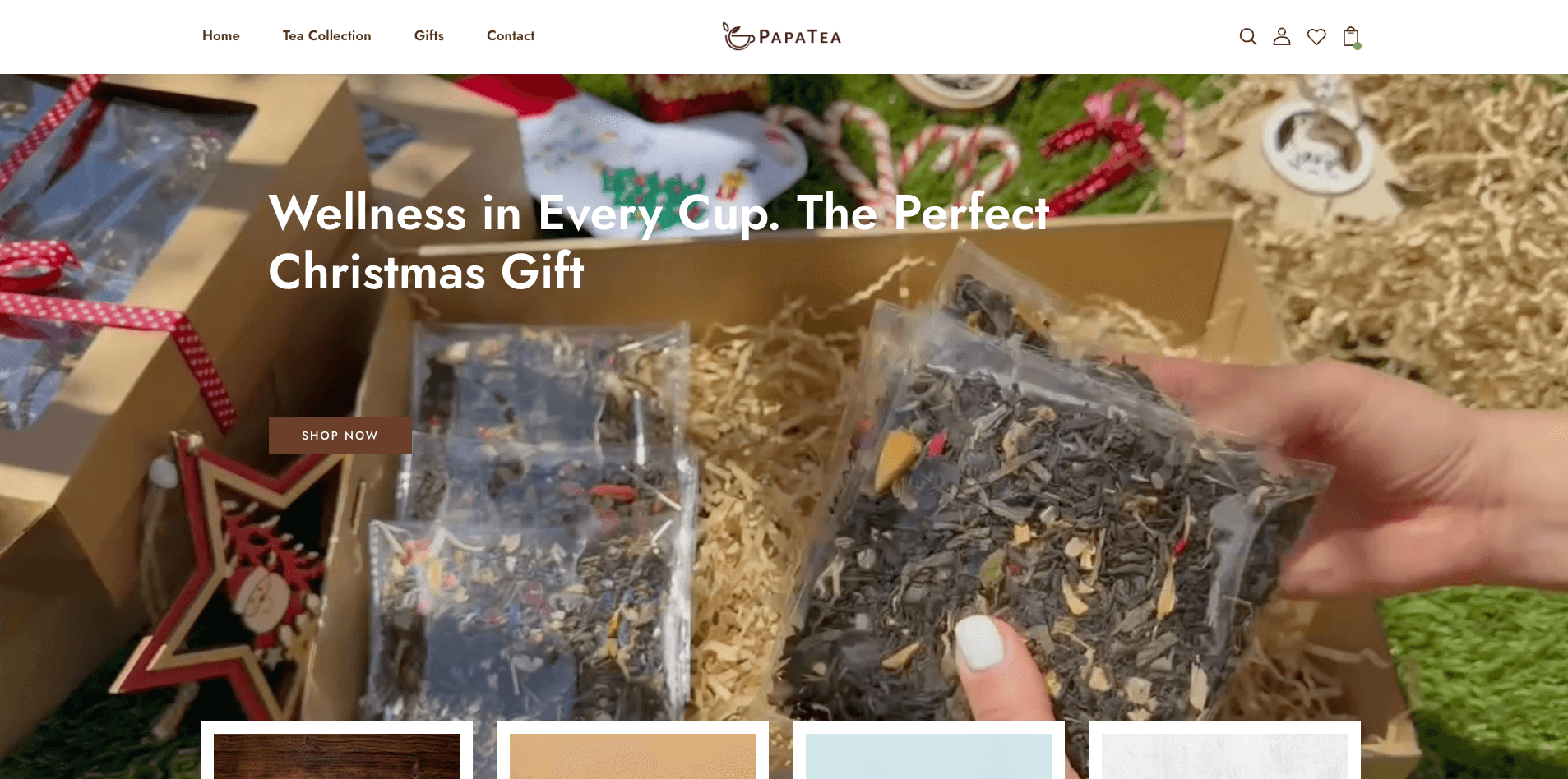
Our retail work so far has been online: we optimised the Shopify store of a premium tea retailer, and built an Etsy automation that goes from trend research to listings with a person approving each design. We're a Shopify Partner.
The in-store jobs use pieces we've built in other industries. For a trade services business, supplier bills from email become coded draft bills in Xero, each approved by staff (case study). Our beauty salon AI receptionist answers every call and books into Fresha, and a knowledge chatbot answers a trade coaching business's students from its full training library. Read the tea store case study and the Etsy automation case study.
014 / HOW WE START
One job first, run next to how you do it now, switched over only when your team trusts it.
- 01
Pick the job
Usually stock enquiries, supplier invoices or reorders: daily, with a clear right answer.
- 02
Check the POS
What your POS and accounts software allow decides what's practical. We confirm it before quoting.
- 03
Clean the data
Supplier codes, lead times, minimums and the returns policy.
- 04
Run it in parallel
It works next to your team so you can compare its drafts with your own.
- 05
Switch over and review
Go live when you're happy, with approvals logged and a review after a month.
016 / QUESTIONS
Anything else is quicker to answer on a call. Thirty minutes, free, with the people who would build it.
Mostly by taking repeat work off the counter and the back office: stock enquiries by phone or message answered from your POS, reorder suggestions for your buyer to approve, supplier invoices matched to purchase orders, click-and-collect messages, review replies, product descriptions and a staff knowledge base for policies like returns.
Tell us which calls, invoices or reorders take your team off the floor. In thirty minutes we'll sketch the workflow, what your POS allows and who approves each step.
Book a free call→