
SHOPIFY PARTNER · SYDNEY · AUSTRALIA AND NEW ZEALAND
We're a Shopify Partner building AI and automation for e-commerce brands. We set up Shopify Flow properly, choose the App Store apps worth paying for, and build custom workflows for the jobs that cross systems: orders, stock, support, product content and the sync to Xero or MYOB.
- ORDER INTagged, checked, routedrisky orders held for a person
- STOCKLow stock spotted earlysupplier reorder drafted, not sent
- SUPPORTWhere-is-my-order answeredAI drafts, your team sends
- CATALOGUEDescriptions and alt textdrafted, checked against the spec
- AFTERReview requests and follow-upstimed to delivery, not dispatch
- BOOKSSales and payouts to Xero or MYOBexceptions flagged for your bookkeeper
001 / THE SHORT ANSWER
The routine work between an order and a repeat customer. Orders can be tagged and routed, stock watched, customer emails drafted, product content written for review, reviews requested and sales passed to your accounting software. The decisions that cost money or reputation stay with a person.
We work in a set order. First, Shopify's own tools: Flow for rules inside the store, and Shopify Magic and Sidekick for AI inside the admin, both included with your plan. Second, a proven app from the Shopify App Store where one already does the job. Third, a custom workflow or app for the jobs that cross systems or need AI with guardrails.
002 / SHOPIFY FLOW
More than most stores use it for. Flow is Shopify's free automation app on the Basic, Grow, Advanced and Plus plans. Each workflow is a trigger (something happens in the store), conditions (checks on the order, product or customer) and actions (what Shopify does next). It also runs on a schedule, and it has a Run code step for small JavaScript transformations.
Sending data out to another system with an HTTP request is limited to the Grow, Advanced and Plus plans, which is usually where Flow hands over to a wider workflow. Shopify updates Flow often, so we check what your plan offers before designing anything. These are the kinds of workflows we set up first:
| When | Only if | Then |
|---|---|---|
| An order is placed | It contains a pre-order or made-to-order item | Tag the order and notify the person who schedules production |
| An order's fraud risk comes back high | Value is over your threshold or it's a first order | Hold fulfilment and send it to a person to review |
| A variant's stock drops | It falls below the reorder point you set | Alert the buyer in email or Slack with the supplier and recent sales |
| A customer places their third order | They're not already tagged | Tag them as repeat so marketing and support can treat them accordingly |
| A product is created | It's missing a type, vendor or image alt text | Flag it to whoever owns the catalogue before it goes live |
| Every weekday morning | Orders unfulfilled for more than two days | Send the list to the warehouse lead |
What Flow doesn't do well: reading an email, writing a reply, drafting a supplier order or reasoning about a messy return. Those need AI and a second system, which is where the rest of this page comes in.
003 / ORDER TO FULFILMENT
Shopify handles the order; automation makes sure the right person, warehouse or supplier hears about it at the right time.
- 01
Order checked
Fraud risk, address problems and special items flagged. Risky orders are held, not cancelled.
- 02
Routed
Tagged by location, shipping method or product type for the warehouse or 3PL.
- 03
Stock watched
Each sale is compared with reorder points. Low variants trigger an alert with recent sales and the supplier's details.
- 04
Reorder drafted
AI drafts the email or purchase order to each supplier. A person reviews quantities and sends it.
- 05
Exceptions surfaced
Stuck orders, split shipments and failed deliveries in one daily list.
004 / INVENTORY
Yes, and an established multichannel app is usually the right tool for the sync itself. Where we add value is around it: reorder points that reflect seasonality, alerts that reach the buyer rather than a dashboard nobody opens, and supplier drafts ready to send.
Our free Shopify low stock reorder alerts template checks tracked variants every weekday, groups low items by supplier using the Vendor field and drafts a reorder email for each in Gmail. It never sends to a supplier on its own. There's also a daily KPI digest covering Shopify, Stripe and GA4.
005 / CUSTOMER SERVICE
It can draft most of them; a person should still send them. A workflow reads each email, looks up the order, tracking and policy, and drafts a reply in your tone. Your team checks it and sends it.
- ✓Where is my order: tracking pulled, reply drafted
- ✓Returns: checked against your policy, next step drafted
- ✓Product questions: answered from your product data
- ✓Refunds and complaints: straight to a person
A helpdesk app such as Gorgias suits stores that want one inbox for every channel. For a store that runs support from Gmail or Outlook, see AI email automation, and for a chat assistant on the storefront that knows your catalogue and hands over to a person, see AI chatbots.
006 / PRODUCT CONTENT
AI should write the first draft and a person should check every claim. Drafting descriptions, SEO titles and image alt text for hundreds of SKUs is work AI does well, and Shopify Magic does some of it in the admin already.
The risk is confident invention. A model will happily add a material, a size or a benefit that isn't in the supplier sheet. Our pipelines work from your product data and check the draft before anyone sees it:
- ✓Written from the supplier specification and your brand voice
- ✓Flagged when it claims anything the specification doesn't: origin, materials, health
- ✓Alt text that describes the actual image
- ✓Published only after a person approves the batch
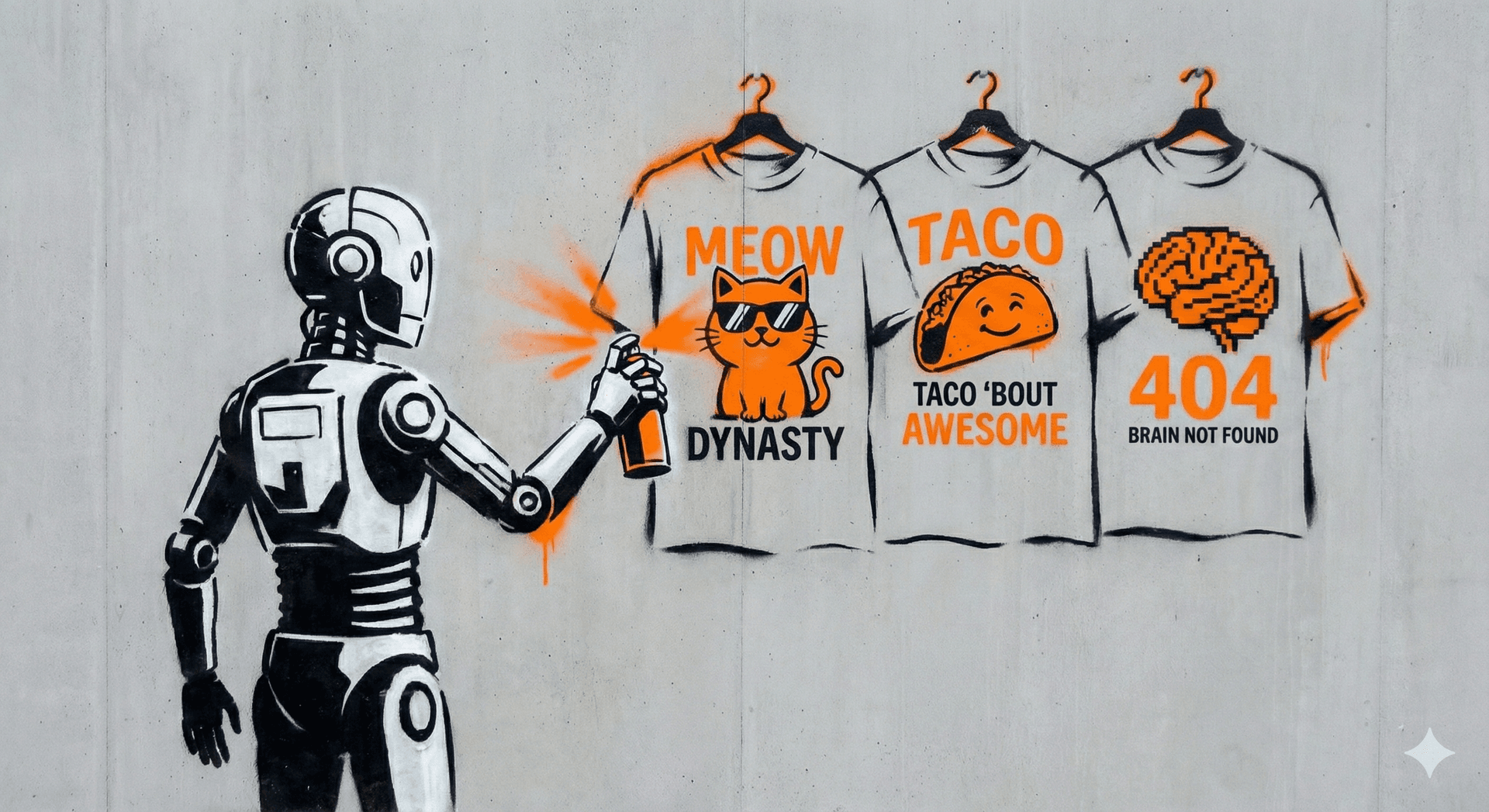
We've run this pattern end to end in our AI Etsy store automation: trend research, designs, mockups and listing copy, with nothing published until a person approves it.
007 / AFTER THE SALE
Where small stores win repeat customers without extra staff. Timing matters more than clever copy.
Review requests after delivery
Timed from the delivery date, not dispatch, so customers have the product in hand. Ask every customer the same way; selectively asking only happy ones can mislead buyers.
Care and how-to follow-ups
A useful note a few days in, specific to what they bought, which also cuts down on support questions.
Replenishment reminders
For consumables, a reminder timed to when they're likely to run out, based on their own order history.
Win-back for lapsed customers
Segments built from purchase history and sent to your email platform, with marketing consent respected under the Spam Act.
008 / ACCOUNTING AND MARKETING
Through a connector first, and custom automation for the gaps. There is a Shopify integration for Xero, listed in both app stores, that can post sales as a daily summary or per order and help match Shopify Payments payouts. Several apps do the same for MYOB.
Custom work helps when you sell across Shopify, marketplaces and wholesale, when wholesale orders need invoices with payment terms, or when your bookkeeper wants unmatched payouts flagged before month end. Your bookkeeper stays in charge of the books.
- ✓Xero automation: draft invoices, payment reminders and remittance matching
- ✓MYOB automation: API routes for MYOB Business and AccountRight, and where approval sits
Marketing. Shopify order data drives the most useful email and SMS: abandoned carts, post-purchase journeys and segments by what people buy. We're a Dotdigital Official Partner and also work with the platform you already run; the job is getting clean, consented data into it.
009 / APP OR CUSTOM BUILD
Whenever an established app already does the whole job. A helpdesk, reviews app or accounting connector is maintained by a team whose only job is that problem. We'd rather recommend a good app than build a worse copy.
A custom build earns its place when:
- ✓The job crosses several systems, such as Shopify, a shared inbox, your 3PL and Xero
- ✓You'd need three apps and a spreadsheet to cover one process
- ✓AI is doing the reading or writing, and you want checks and an approval step around it
| Criterion | Shopify Flow | App Store app | Custom workflow (n8n or Zapier) | Custom Shopify app |
|---|---|---|---|---|
| BEST FOR | Rules inside Shopify: tags, holds, alerts | A common job one app already does end to end | Jobs across Shopify, email, Slack, Xero and your suppliers | Features that live in your admin or storefront |
| SET-UP EFFORT | Lowest | Low: install and configure | Moderate: designed around your process | Highest: designed, built and maintained |
| AI WITH CHECKS | Limited | Whatever the app offers | Validation, approval steps, full run history | Built to your rules |
| COST SHAPE | Included with your plan | Usually a monthly subscription | A scoped build, plus hosting | A larger scoped build, plus upkeep |
We're a Zapier Official Partner and also build in n8n, so we'll say which fits; see Zapier consulting and n8n consultants.
010 / ACCESS, PRIVACY AND THE LAW
Anything that moves money, changes a price or speaks to a customer in your name. Automation prepares the work; a person approves it.
Product copy is advertising under the Australian Consumer Law, marketing emails and SMS fall under the Spam Act 2003, and customer data is covered by the Privacy Act 1988 if your business is. Shopify doesn't publish an Australian data residency option, but the automation around it can run onshore, with AI models hosted in Australia where the data calls for it. This is general information, not legal advice.
KEEP A PERSON IN CHARGE OF
- ✓Refunds, cancellations and store credit
- ✓Price changes and discount codes
- ✓Purchase orders sent to suppliers
- ✓Replies to complaints and disputes
- ✓Publishing product claims about origin, materials or health
011 / WHO YOU'D WORK WITH
We're a Shopify Partner focused on AI and automation. We joined the Shopify Partner ecosystem to build AI apps for e-commerce brands, covering product content, image work, customer service and inventory, and the Shopify Partner announcement explains what we're building and why.
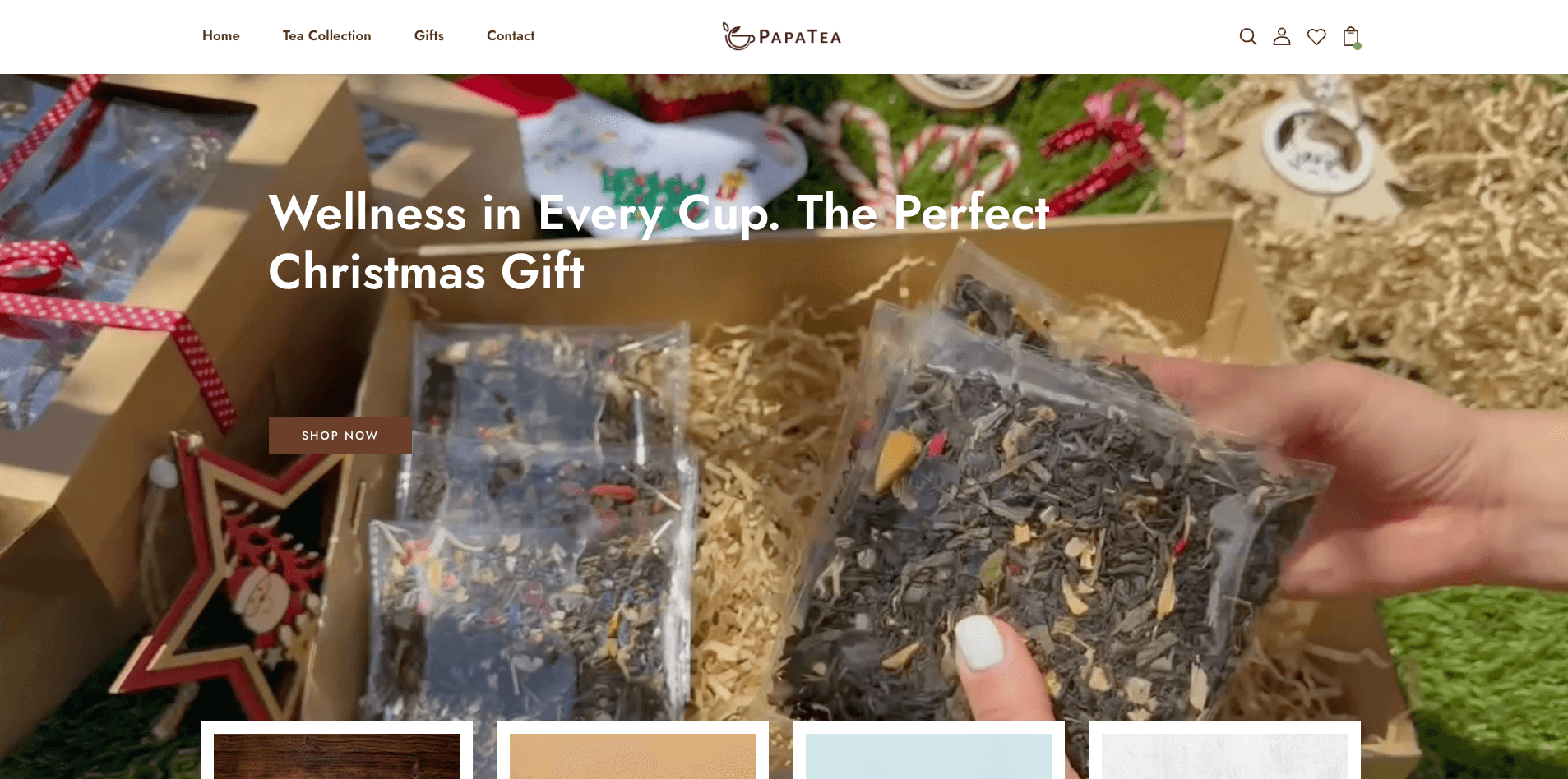
We've worked inside real stores. We've optimised Shopify stores for a premium tea retailer and a Sydney CBD skincare clinic that sells and takes bookings in one store. More on our e-commerce and online retail page.
How it runs. One workflow first, tested on your real orders and products, then the next, each scoped and priced in writing. We're based in Sydney and work remotely across Australia and New Zealand, flying in for kick-offs, training and go-lives.
012 / BUILT AND RUNNING

013 / QUESTIONS
Anything else is quicker to answer on a call. Thirty minutes, free, with the people who would build it.
Shopify Flow is Shopify's own automation app. Workflows are built from a trigger (something happens in your store), conditions (checks on the data) and actions (what Shopify does next). Shopify lists Flow as a free app on the Basic, Grow, Advanced and Plus plans, though some actions, such as sending an HTTP request to another system, are limited to the higher plans.
Tell us where the hours go: orders, stock, the support inbox, listings or month end. In thirty minutes we'll sketch what to switch on in Shopify, which app to use, and what's worth building.
Book a free call→