Handy is a free, open-source dictation app that turns speech into text on your own computer. It's good, and we'd recommend it to Australian businesses. But it isn't 'open-source Wispr Flow', and its defaults need a tweak before client details go anywhere near it.
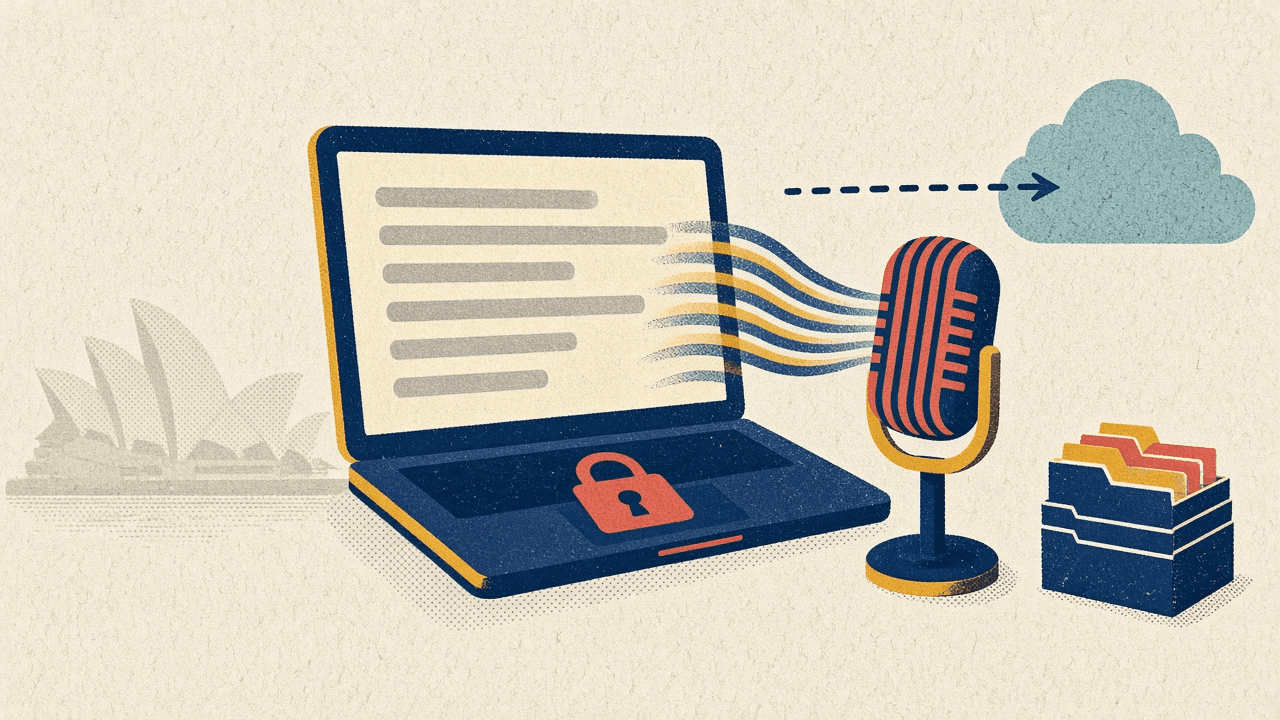
Handy is a free, open-source dictation app that turns speech into text on your own computer. It's good, and we'd recommend it to Australian businesses. But it isn't "open-source Wispr Flow", and its defaults need a tweak before client details go anywhere near it.
A TikTok went around this week with a big opening line: "Someone just open sourced Wispr Flow." The app in the video is Handy. Hold a key, talk, and your words appear in whatever app you're using.
Most of that is true. The opening line isn't. And the part that matters most for an Australian business, where your words actually go, barely got a mention.
We're an AI agency in Sydney, and dictation is exactly the kind of tool that sneaks into an office before anyone has asked where the words go. So here's our honest take.
Handy is a desktop app by developer CJ Pais for Windows, macOS and Linux. Press a shortcut, speak, let go, and the text is pasted into the app you're in. Email, Word, your practice software. Anything with a cursor.
The facts, from the repo at github.com/cjpais/Handy:
To make it work, you grant it microphone access and, on a Mac, Accessibility permission, because it has to type into other apps.
Wispr Flow is a paid dictation app. Handy is a separate, independent project. Nobody released Wispr's code. Handy has been on GitHub since February 2025 and has shipped 66 releases since. Even the TikTok creator's own setup page says "Handy isn't Wispr Flow's code."
It's also not a feature match. Handy is desktop only, with no mobile app. It has no team admin, no SSO and no audit logs. And the AI "polish" that tidies up your rambling into neat sentences is optional and needs your own API key (more on that below).
There's one more licensing wrinkle. The code is open source, but the README says "the Handy name, logo, icon, and brand assets are not open-source." If you fork it, you rebrand it. The models carry their own licences too: Whisper is MIT, and Parakeet is CC BY 4.0, which means attribution.
None of that makes Handy worse. It makes it a different product.
| Handy | Wispr Flow | |
|---|---|---|
| Price | Free (MIT licence) | Free tier, then Pro at $15 per user per month ($12 billed annually) |
| Word limit | None | 2,000 words a week on desktop (free tier) |
| Where speech becomes text | On your computer | In the cloud |
| Where data is processed | Your device | United States |
| Platforms | Windows, macOS, Linux | Desktop and mobile |
| Certifications | None (it's a desktop app, there's no service to certify) | SOC 2 Type II, ISO 27001 |
Sources: Wispr Flow pricing, Wispr data controls, Wispr security and compliance FAQ.
Wispr's own data page is blunt about it: "Transcription always occurs on the cloud." Its security FAQ says data is processed and stored in the US, with "no regional processing in the EEA or Asia-Pacific." Two of its sharing settings, model improvement and dictation cloud storage, are on by default. Switch both off and audio is discarded after transcription, though usage metadata is still uploaded.
To be fair to Wispr, it's a serious company with real certifications, and if you need mobile dictation and central admin it may be the right call. The point is that the two tools put your words in very different places.
The video said Handy "runs completely offline". That's true for the transcription itself. It's not the whole story.
Handy still talks to the internet in a few specific ways:
So: offline for your voice, not for the app. That's a fine trade. Know it before someone tells a client "it never touches the internet".
Handy has an optional feature called post-processing. It takes your raw transcript and has a large language model tidy it up. Fewer "ums", better punctuation, that sort of thing.
It's off by default, which we like. To switch it on, you choose a provider and add your own API key. The list includes OpenAI, Anthropic, OpenRouter, Groq, Cerebras, Z.AI, AWS Bedrock, Apple Intelligence on Apple Silicon Macs, or a custom endpoint (settings.rs).
Here's the catch. Turn it on with a cloud provider and your transcript leaves the laptop. The privacy argument for Handy evaporates for that text, and the provider bills you.
The custom option is the way out. Point it at a model running on the same machine, or on a server you control, and the clean-up stays local too.
This is the one most people miss.
By default, Handy keeps a history of your last 5 recordings, as audio files plus their transcripts, in its app data folder (history.rs). Retention can be changed to Never, 3 days, 2 weeks or 3 months.
Five recordings doesn't sound like much. Now picture a bookkeeper at a Sydney accounting firm dictating notes after a client call: "Spoke to Sarah about her ATO payment plan, she's behind on BAS." That audio now sits on the laptop. The laptop goes home. It gets left in an Uber on Military Road.
The data never went to the cloud. It's still personal information on a device you're responsible for. Set history to Never.
If your business is covered by the Privacy Act, the Australian Privacy Principles apply to client information your staff dictate. Most businesses under A$3 million turnover are exempt, but health service providers and some others are covered regardless of size (OAIC small business guidance). That catches every GP clinic, physio and psychologist.
APP 8 is the cross-border rule (APP 8 guidelines). If personal information goes to someone overseas, you can stay accountable for what happens to it there. Whether a cloud service counts as a "disclosure" depends on who controls the data. It's not automatically a breach, but you have to check.
The OAIC's guidance on commercially available AI products names transcription as a common use and says: "Deploying a system locally or on premises is likely to be more privacy-preserving as it limits the risks of third party access to the data." For cloud tools, it asks you to consider "whether personal information could be disclosed outside of Australia."
That's the real difference. A cloud dictation tool that processes in the US puts APP 8 on your list. Handy, set up properly, takes it off.
For clinics. Say a GP on the Northern Beaches dictates her own notes between patients. Ahpra's guidance on AI in healthcare expects practitioners to understand "where data is located and how it is stored", and to get informed consent for AI that records consultations. Handy dictating a clinician's own notes is a different thing from recording a consult. If you're recording the consult itself, you need consent either way, whatever the tool.
Here's how we'd set it up for a client on managed laptops:
Twenty minutes of set-up. Then it just types.
Good fit: accountants, lawyers, clinicians, consultants and admin staff who write a lot on Windows or Mac laptops and want dictation without sending client details overseas. Small teams with someone who can follow the checklist above.
Not a good fit: teams that need mobile dictation, central admin, SSO or a vendor with a support contract. Handy is a volunteer-run open-source project with 192 open issues on GitHub. Linux users on Wayland should expect some paste and overlay quirks, which the README documents.
It's also not a meeting recorder or a clinical AI scribe. And accuracy varies by accent and model. We haven't benchmarked it, so try it on your own voice before rolling it out.
Is Handy really free? Yes. It's MIT-licensed with no subscription or word limit. It costs money if you switch on AI clean-up with a paid cloud provider, and not otherwise.
Is Handy the same as Wispr Flow? No. It's an independent project that's been on GitHub since February 2025. It doesn't share Wispr's code and doesn't have Wispr's mobile app or team admin features.
Does Handy work without the internet? Transcription does, once the model has downloaded. Update checks to GitHub are on by default, and the optional AI clean-up needs a connection unless you point it at a local model.
Does Handy store my recordings? By default it keeps the last 5 recordings and their transcripts on your computer. Change History retention to Never to stop that.
Is Handy compliant with the Privacy Act? No app is "compliant" on its own. Your business is. But processing speech on the device keeps it in Australia, which the OAIC says is likely to be more privacy-preserving, and it avoids an APP 8 question.
Can a medical clinic use it? For a clinician dictating their own notes, set up as above, we think it's a sensible choice. Recording consultations is a different matter and needs patient consent under Ahpra's guidance.
Handy is a good, free, honest piece of software. It does what it says, and for Australian businesses it has one big advantage over the popular cloud tools: your voice becomes text on your own computer, not on a server in Virginia.
It isn't magic. Install the real thing, change the history setting, leave the cloud clean-up off, and patch it. Then you've got private dictation for nothing.
If you want help rolling out tools like this across your team, see our private AI work, our AI consulting service, or how we help accounting firms and healthcare practices. Want your staff trained on safe AI use? Look at our group training. Or get in touch or email info@ailabaustralia.com. We'll tell you straight whether it's worth doing.
Get expert guidance on implementing ai tools solutions for your Australian business