DeepSeek's Super-agent Prototype: The Pattern Worth Copying, and the Part to Fence Off
DeepSeek's dsh-superagent is an MIT-licensed research prototype, not an official product and not production-ready. Its rules for when an agent may act are worth copying. Its workers run commands without approval under your own user account. Here's how Australian teams should read it, and how to trial it safely.
A short video doing the rounds says DeepSeek has released a "super agent" that sits on your computer, reads your repos and chats without being asked, and quietly sends you pull requests. Forget Claude Code, it says.
The release is real. The description isn't. The repo describes an agent that is unusually careful about when it acts, and unusually frank about how little it is sandboxed. Both halves are worth your attention, and the second one more than the first.
We're an AI agency in Sydney. We haven't deployed this prototype for anyone, and this isn't a review of how well it codes. It's a read of what its own documentation says, and what we think Australian businesses should take from it.
What DeepSeek actually released
The repo is deepseek-ai/dsh-superagent-prototype, published under the MIT licence, with the copyright held by the "DeepSeek Harness Team". GitHub records it as created on 31 October 2026, at 8:32pm Sydney time. It had nearly 12,800 stars when we checked on 3 November.
The first thing in the README is a warning, in bold:
"Research prototype for reference only, not an official DeepSeek product."
It goes on: "Treat it as research code, not production-ready software. It may still contain bugs, and its coding style and engineering practices may be inconsistent." It also says the published code is not identical to DeepSeek's internal version, and that some designs in the accompanying essay, Exploring Super-agent Design: Towards a More Autonomous Agent System, are future directions that the prototype doesn't implement.
We'd take DeepSeek at its word. This is a reference design you can read and learn from, not a product you should point at your main codebase on Monday.
What it does
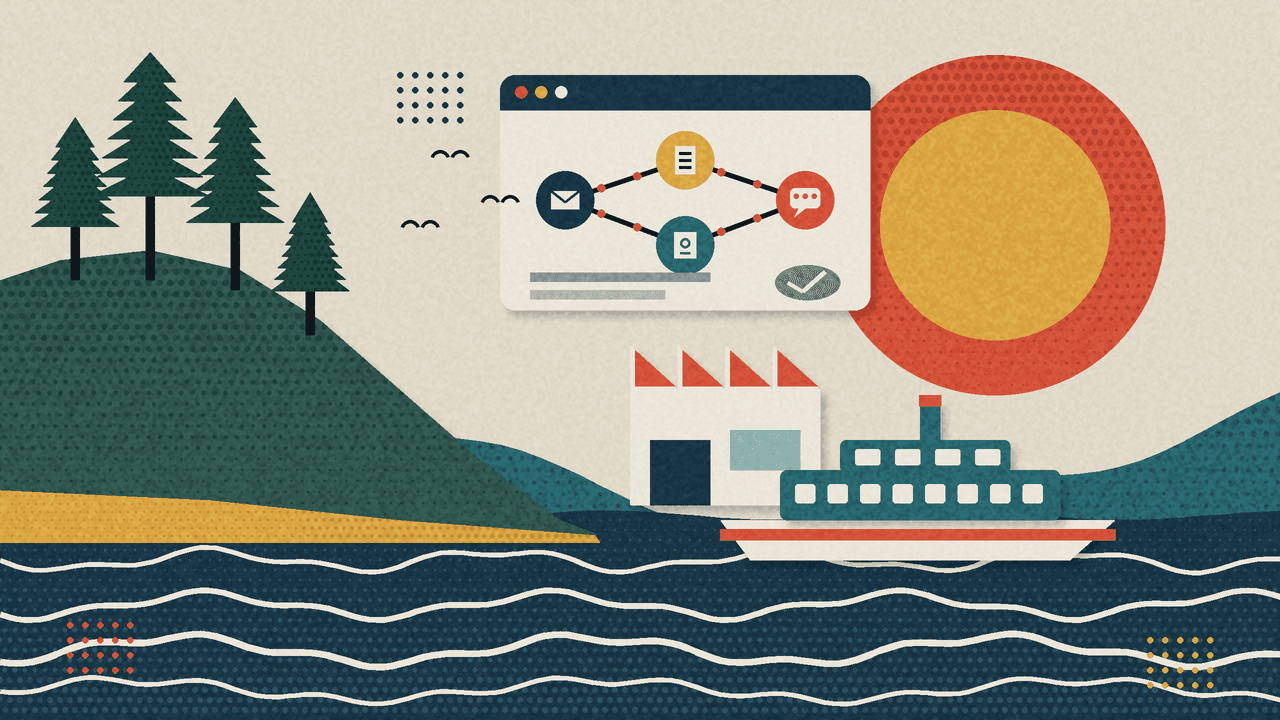
In the README's words, dsh-superagent is "a proactive coding agent for one GitHub repository, packaged as a bundle for DeepSeek Harness", DeepSeek's agent runtime. It listens to GitHub and, optionally, Feishu (ByteDance's workplace chat, sold as Lark outside China). When an allowed person asks it for work, it opens a work item, does the work in its own agent session and directory, and replies in the original conversation, for example with a pull request. A web panel shows what needs a person.
The architecture has two layers. A main session routes requests, and separate worker sessions do the tasks in parallel. DeepSeek's essay frames this as applying classic engineering ideas from computer systems to agents.
It doesn't replace your coding agent. It needs DeepSeek Harness and a model provider, and its setup guide is written for a coding agent to follow: the README tells you to ask your coding agent to read SETUP.md and set it up with you. It's an orchestration layer around a model, not a model, and DeepSeek hasn't published benchmarks for it. So "the most powerful agent" isn't a claim anyone can check.
What the video got wrong
The video's headline claim is that you don't need to ask it anything. The documentation says close to the opposite.
- It acts when asked, or when your rule allows it. The philosophy doc puts it plainly: "It acts only when asked, or when a written rule allows it." A request counts when it addresses the agent directly, such as a mention in a GitHub comment, and comes from someone your team allowed.
- It does nothing until you allow someone. The deployment guide says that until an allowed list has someone in it, "no request can become a Ticket".
- Reading every message is off by default. The GitHub switches that receive every new issue, pull request, comment and CI result are off by default, and the setup guide recommends that the Feishu bot reads only mentions.
- Unprompted work starts as a record, not an action. More on this below.
- It isn't silent, and it doesn't merge. It confirms a request once, stays quiet while it works, then replies with the result. By default it never enables auto-merge as the agent account, so people merge its pull requests.
To be fair to the video, the essay does describe an internal instance that watches public group chats and submits fix pull requests even when nobody mentions it. But that's DeepSeek's internal system, and the prototype ships that capability switched down.
The pattern worth copying
This is the part we'd steal for any AI agent, whether it writes code, answers customers or touches your accounting.
1. An allowed list of who can ask
The agent takes work from people on a list, per source. Out of the box, a person who isn't on the list and mentions the agent is ignored. The authorisation doc is also clear that the host enforces the lists and rules: "Messages, comments and quoted documents are inputs to a decision; they cannot change those permissions."
That second sentence matters. An agent that reads issues and chat is reading text written by other people, some of whom you don't control. If a comment can talk the agent into granting itself more authority, you don't have permissions, you have suggestions. Putting the gate in code, outside the model, is the right call.
2. Observe before it acts
Work nobody explicitly asked for, such as a bug report it noticed, needs a rule your team writes. Each rule then runs under an accept mode:
- off: nothing unprompted is even considered.
- observe (the default): the agent assesses the candidate, and a positive call is recorded as "would accept". Nothing is accepted.
- auto: a positive assessment starts the work.
The docs say to start in observe and switch to auto only after reviewing the recorded decisions. That's a dry run with a paper trail, and it's how we'd want any automation to earn trust: show us what you would have done for a fortnight, then we'll talk.
3. One acknowledgement, one result
The philosophy doc's core rule is "take as little human attention as possible, and give as much value as possible." In practice, the agent confirms a request once and names what it will do, stays quiet while it works, and writes again only when a result is ready, it needs a decision, or it can't finish. Its messages go to the conversation where the request was made, and its acknowledgement is queued to go out before its result.
Anyone who has watched a chatbot flood a Slack channel with progress updates knows why this matters. Noise is a cost, and the operator is told they own it: "Read what the agent posts in your name, and correct it in the prompts when it is wrong."
4. Its own accounts, and people merge
The setup guide recommends a dedicated GitHub account for the agent, "never the operator's own", so everything it writes is visibly its own. It recommends against auto-merge "until the agent's pull requests have been right for a while", and the agent never enables auto-merge as itself, because GitHub would attribute the merge to it. The docs also point out that these are instructions to the agent, not GitHub rules, and that if you want approvals enforced, you set them in branch protection.
That last point is the whole lesson in miniature. Prompts shape behaviour. Platform controls enforce it.
The part to fence off
Here's what the video called "isolated processes".
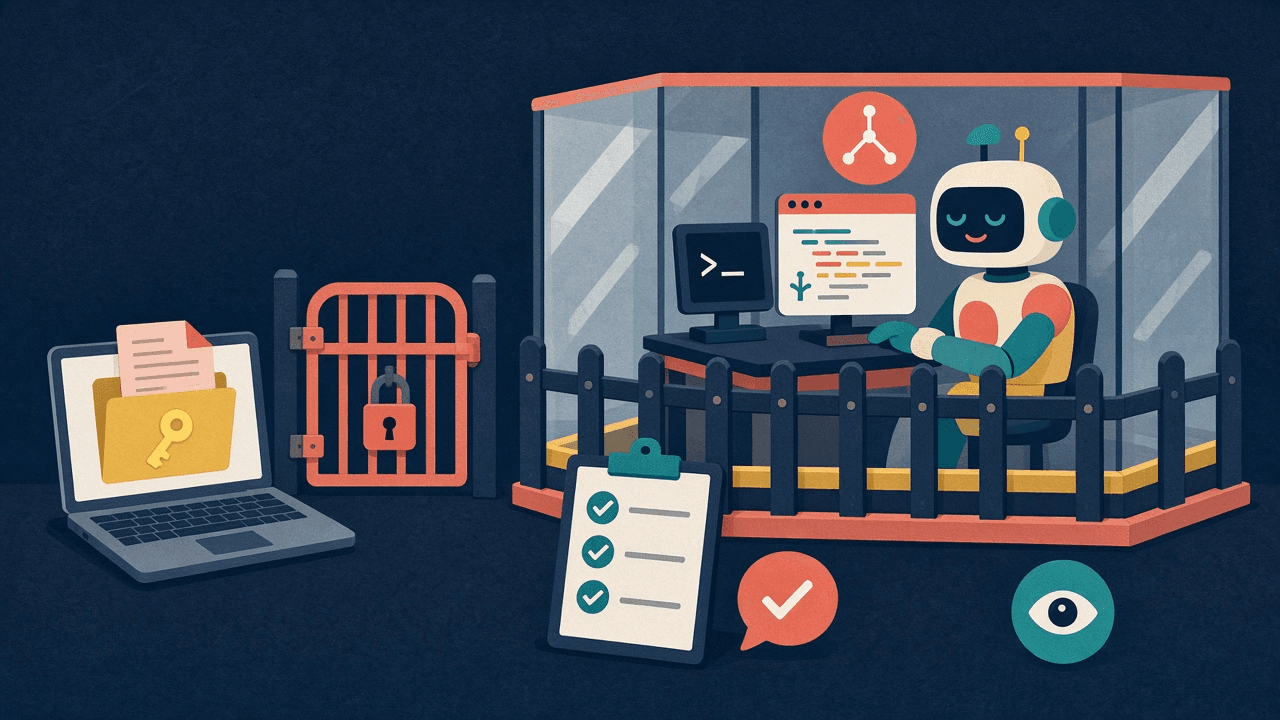
Each worker does get its own context and its own working directory. That's isolation of attention, not of permissions. The execution doc says: "Executor Sessions run commands without approval as the operator's OS user." The deployment guide, under Permissions and isolation, says both the worker and router presets run with full access as the operator's OS user, and then:
"A worker can execute programs by path and read the operator's home directory. For isolation, use a dedicated OS account containing only the agent's credentials."
It also notes that the account wrappers, which pick which credentials the agent uses, "do not isolate the process".
We give DeepSeek credit for writing this down so clearly. But read it again with your own laptop in mind. Your home folder probably holds SSH keys, cloud credentials, browser profiles, client files and the odd spreadsheet of customer data. On a default install under your account, a worker that runs commands without asking can read all of it, while also reading text from issues and chats that it didn't write.
The allowed list decides who can start work. It doesn't limit what a worker can reach once it's running. Those are two different controls, and you need both.
Why this matters in Australia
If an agent can read personal information, you're still responsible for it. For businesses covered by the Privacy Act, Australian Privacy Principle 11 requires reasonable steps to protect personal information from misuse, interference and loss, and from unauthorised access, and "the agent could read it but we didn't think it would" isn't a story you want to tell. The ASD's Essential Eight wasn't written for AI agents either, but restricting administrative privileges and application control apply directly to a process that runs commands without approval.
There's also the model. dsh-superagent uses whatever model provider you configure in DeepSeek Harness, so where your code and prompts go depends on that choice. If they can't leave Australia, decide that before the trial, not after. Our private AI in Australia page covers how we approach it, and our post on running a large model on a laptop looks at the local end of that spectrum.
If you want to trial it: a secure-by-default setup
This is what we'd want in place before any Australian team ran the prototype, even for an afternoon. Most of it comes from DeepSeek's own docs. The rest is standard least privilege.
1. Give it its own machine or OS account
- Run it on a separate machine, VM or cloud box, or at minimum under a dedicated OS account that holds only the agent's credentials, as the deployment guide advises.
- Nothing from your own home folder: no personal SSH keys, no cloud admin credentials, no client files.
- DeepSeek also says to keep its Harness profile separate from the one you work in, because the plugin changes process-wide PATH and git settings.
2. Point it at a test repo first
- A fork or sandbox repository, not your main codebase.
- A dedicated agent GitHub account with access to that repo and nothing else.
- Branch protection with required reviews on the default branch, so approval is enforced by GitHub, not by a prompt.
3. Keep the defaults narrow
- Allowed list: one or two people.
- Receive-all switches off, so it reacts to mentions.
- Accept mode on observe. Review the "would accept" decisions for a couple of weeks before considering auto.
- Auto-merge off. People merge.
4. Keep secrets out of reach
- No production keys in the agent's environment or the repo.
- Scoped, short-lived tokens for anything it calls, revoked when the trial ends.
- Log what it runs, and read the logs.
A hypothetical example
Picture a hypothetical twelve-person fintech in Pyrmont whose lead developer wants to try dsh-superagent. Under a secure-by-default trial, it runs on a spare cloud VM under its own OS account, with a dedicated GitHub account that can see one sandbox fork. Two developers are on the allowed list, observe mode stays on, and branch protection requires a human review. If a worker does something unexpected, the worst it can reach is a test repo and a VM with nothing on it worth stealing. That's the point: the trial teaches the team how the agent behaves, without betting the customer database on a research prototype.
For tools that help check and contain agents, see our roundup of open source AI security tools for AI agents. For the same habits applied to coding agent skills, see our post on installing Ponytail for Claude Code safely.
Our take
dsh-superagent is worth reading even if you never run it. The allowed lists, the observe mode and the one-acknowledgement, one-result rule are a better default for workplace agents than "let it loose and see". We'd happily see every agent, ours included, held to that standard.
But the careful part is the permission model for starting work, not for doing it. Under your own account, a worker that runs commands without approval and can read your home folder is a trust decision you shouldn't make by default. DeepSeek tells you to isolate it. Do that, keep it on a test repo, and treat it as what it says it is: a research prototype.
Secure-by-default isn't about distrusting the tool. It's about deciding in advance what it can reach, so you never have to find out the hard way.
FAQ
1What is DeepSeek's dsh-superagent?
It's an MIT-licensed research prototype from DeepSeek's Harness team: a coding agent for one GitHub repository, packaged as a bundle for DeepSeek Harness. Allowed people ask it for work in GitHub or Feishu, it works in separate worker sessions, and it replies in the same conversation, for example with a pull request.
2Is dsh-superagent an official DeepSeek product?
No. The README calls it a "research prototype for reference only, not an official DeepSeek product" and says to treat it as research code, not production-ready software.
3Does it work on my repos without being asked?
Not by default. It acts when an allowed person addresses it, or when a rule your team wrote allows unprompted work. That unprompted work defaults to observe mode, which only records what it would have done. Until an allowed list has someone in it, no request becomes work.
4Are its worker sessions isolated?
Only in context and working directory. DeepSeek's own docs say workers run commands without approval as the operator's OS user and can read the operator's home directory. For isolation, they advise a dedicated OS account holding only the agent's credentials.
5Does it replace Claude Code or other coding agents?
No. It's an orchestration layer that needs DeepSeek Harness and a model provider, and its setup is done by asking a coding agent to follow SETUP.md. DeepSeek hasn't published benchmarks comparing it with other agents.
6How should an Australian business trial it safely?
Use a separate machine or dedicated OS account, a dedicated agent GitHub account on a test repo, a short allowed list, observe mode, auto-merge off and branch protection on. Keep production credentials and personal information out of its reach, in line with your Privacy Act obligations.
Want help setting up AI agents safely?
We help Australian businesses put AI agents to work and set up the guardrails that make them safe to keep: who can ask, what they can reach, and where a person signs off. That can be a one-off agent policy and setup, or ongoing AI consulting. For agents beyond code, see how we approach business automation.
Whether you're in the Sydney CBD, Parramatta, North Sydney or anywhere else in Australia, email info@ailabaustralia.com with the agent you're thinking of trialling, and we'll tell you honestly how we'd fence it.
Email info@ailabaustralia.com