
AI FOR LAW FIRMS · PRIVATE · CITED · SUPERVISED
Practical AI for small and mid-size Australian firms: matter intake, conflict checks, chronologies, precedent search and billing admin. Client files stay in Australia, every answer cites its source, and a lawyer signs off.
EXAMPLE QUESTION · NOT A CLIENT MATTER
When was the notice to remedy served, and how long did it give to fix the breach?
Email from client
14 March · p.1
Notice to remedy
p.2, para 4
Supply agreement
cl. 18.3 · p.27
ANSWER · FROM THE MATTER FILE ONLY
The notice was emailed on 14 March1 and gave 10 business days to remedy2, which matches the period in clause 18.33. No reply from the other side is in the file.
REVIEW
Checked by the solicitor on the matter ✓
AUDIT LOG
Who asked, what was retrieved, model version
example only · every claim points to a page
001 / THE SHORT ANSWER
AI is ready for the admin and document work around legal advice, not for the advice itself. For a small or mid-size Australian firm, that means reading intake emails, running first-pass conflict searches, building chronologies from thousands of pages, finding the right precedent in your own bank, drafting time entries and preparing client updates, with a lawyer checking each output.
The judgement stays with your lawyers. What changes is the hours spent finding, retyping and reconciling before that judgement can start. We're an AI and automation agency based in Sydney. We build these systems for expert firms whose work gets examined line by line, and we design them so a supervising practitioner can see exactly where every sentence came from.
The rule we work to is simple. If the output could reach a client, the other side or a court, a named person reviews it first, and the system shows them the source so the check takes seconds rather than trust.
002 / WHERE IT HELPS
Each one is a workflow we scope and build on its own, so you can start with the one that costs your firm the most time.
Matter intake
New enquiries from email or web forms are read, the parties, dates and matter type pulled out, and a draft file opening prepared for a person to approve.
Conflict-check automation
Every party and related entity is searched against your matter and contact records. Possible matches are listed for a lawyer to clear; nothing is cleared automatically.
Document review and chronologies
Correspondence, contracts and records are read in bulk, and a dated chronology is built with each entry linked to its page.
Precedent search
Search your own precedents, advices and past matters in plain English, and land on the clause or paragraph, not a summary of it.
Time recording and billing admin
Draft time entries from calendars, emails and document activity, for each lawyer to approve, then prepare bills for review.
Client updates
Plain-English status updates drafted from file notes and recent activity, sent only after the responsible lawyer has read them.
003 / CONFIDENTIALITY
Only into a system your firm controls. Client confidentiality and legal professional privilege are the client's, not the firm's, and they shouldn't depend on a chatbot's terms of service. Pasting a client's facts into a free public tool is a disclosure to the company that runs it, which can put both confidentiality and privilege at risk.
The Privacy Act 1988 adds a second layer. Many firms are covered by the Australian Privacy Principles, and the OAIC's guidance says the Privacy Act applies to all uses of AI involving personal information. Under APP 8, a firm generally stays accountable for what an overseas recipient does with personal information it sends. Even firms under the small business threshold still owe their clients confidentiality.
That's why our private AI, hosted in Australia runs either in an Australian cloud region in Sydney that we manage, or inside your own environment, such as your firm's Microsoft Azure tenant. No prompt, document or output is sent to an offshore AI provider, files are never used to train public models, and access follows who is on each matter.
Where a workflow does use a cloud model, personal details can be kept from it altogether. In an email intake workflow for a financial services firm, hosted on AWS Sydney, names and contact details are tokenised before the model sees the message, and nothing is created until a person approves it. Matter intake can work the same way.
| Free public chatbot | Business AI plan | Private AI, hosted in Australia | |
|---|---|---|---|
| Where your text goes | The provider's servers, often overseas | The vendor's cloud, region depends on the product and plan | An Australian region in Sydney, or your own tenancy |
| Used to train models | Possibly, depending on settings and terms | Usually off for business plans; check the terms | Never |
| Answers from your matter files | No, it answers from general training data | Partly, depending on what's connected | Yes, and only from what was retrieved |
| Citations to document and page | No | Sometimes, to a file rather than a page | Every statement, to the page |
| Matter-level access control | No | Follows your file permissions where connected | Built around who is on each matter |
| Audit log you can export | No | Admin logs vary by product | Who asked, what was retrieved, what was returned |
| Fit for privileged material | No | Only after your own review of the terms | Designed for it |
Business plans differ by vendor and change over time, so read the current terms for any tool you use. This table is general information, not legal advice.
004 / PROOF, NOT TRUST
The system searches your documents first, then answers only from what it found, and links each statement to the document and page. This is retrieval-augmented generation, built so the model can't fill gaps from general knowledge. If your documents don't support an answer, it says “I don't know” and passes the question to a person.
Before launch we build an evaluation set from your own past work: real questions with answers your senior people have already agreed are right. The system is scored against it, and a partner at your firm, not us, decides whether it's good enough to use. It's re-tested whenever the model or the documents change.
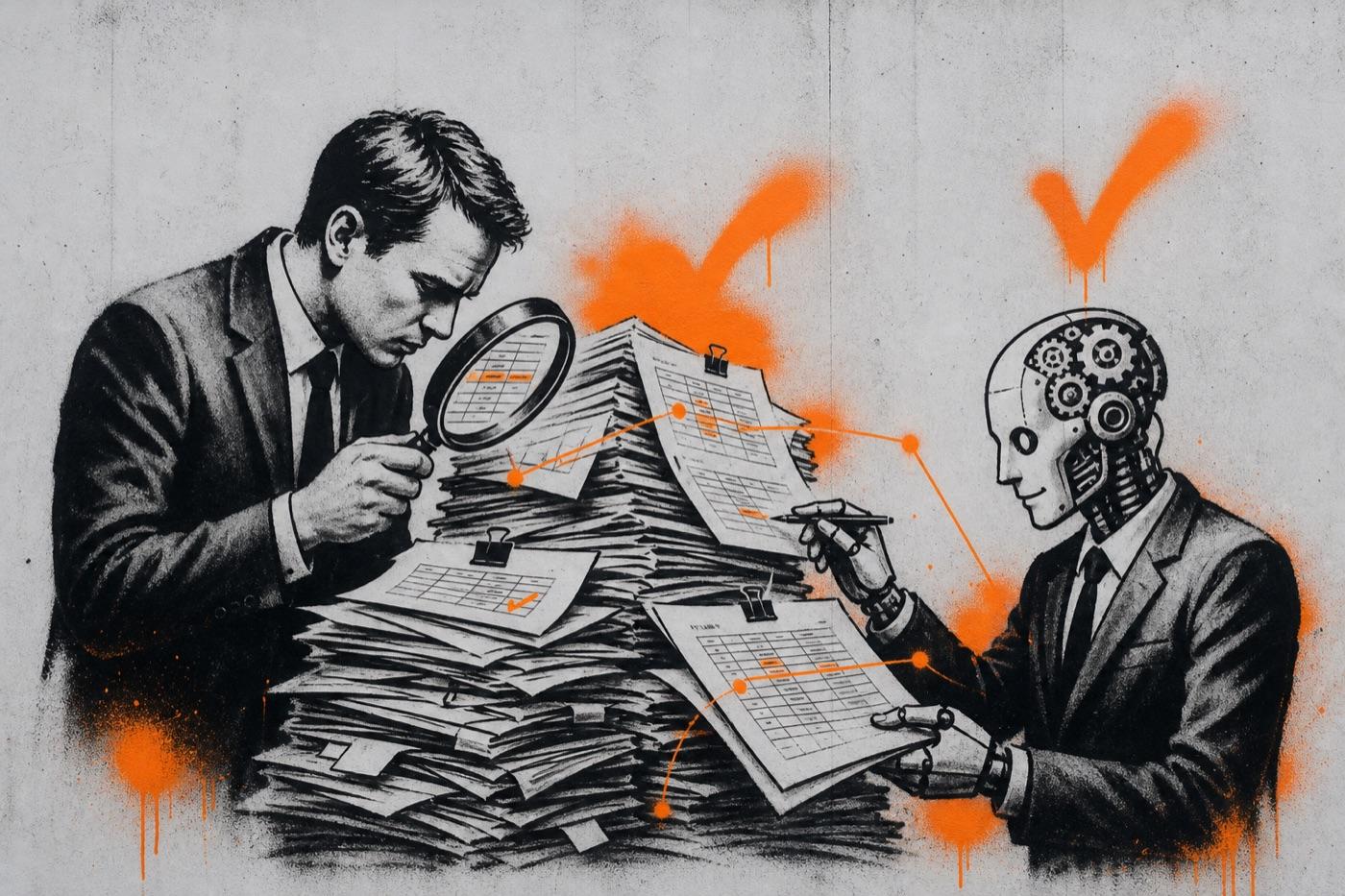
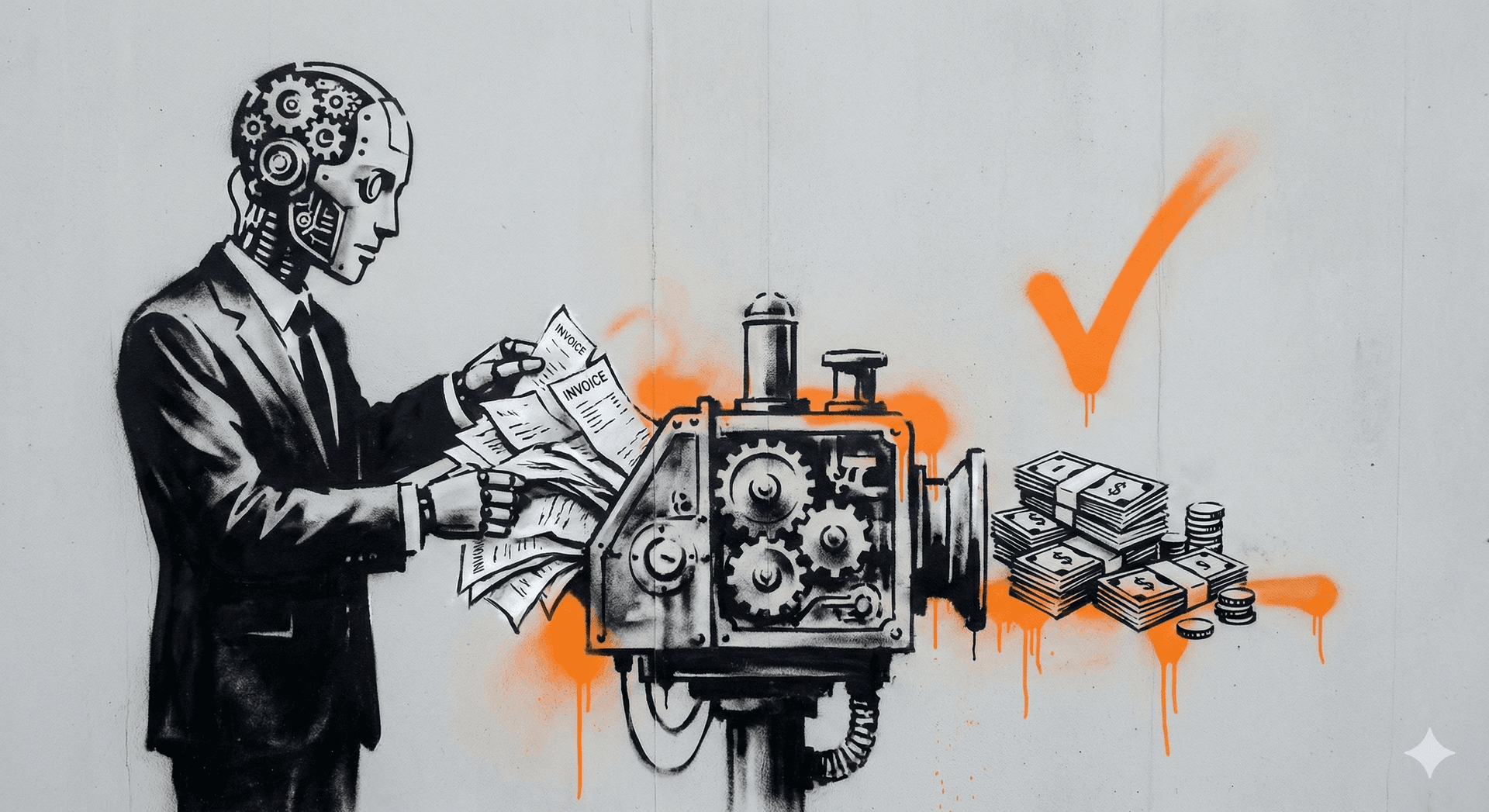
We've built this kind of evidence work for a construction claims consultancy that prepares expert reports: custom-trained models read invoices, remittances, statements and dockets inside the client's own Azure tenant, reconcile the figures and flag arithmetic, citation and chronology issues with page references, while the expert stays responsible for every conclusion. The same approach suits litigation chronologies and discovery-style review. Our sovereign AI page walks through a worked example from a construction variation dispute.
005 / SUPERVISION
The lawyer is, and the system should make that easy to honour. Australian professional conduct rules already require competent, diligent and supervised work, confidentiality, and honesty with the court. Using AI doesn't change any of those duties.
Law societies, regulators and several courts have published guidance or practice notes on generative AI. Some limit how it can be used in evidence-related documents such as affidavits, witness statements and expert reports, and some require disclosure. Courts here and overseas have already dealt with submissions containing case citations that a chatbot invented. Check the current guidance from your regulator and every court you appear in; it is changing quickly.
In practice, that means four design rules in everything we build for a firm:
- A named person reviews and approves any output before it reaches a client, the other side or a court.
- Every statement links to its source, so checking is fast and the reviewer can see what the AI relied on.
- Low-confidence results go to a review queue instead of being presented as settled.
- An audit log records who asked what, which documents were retrieved, which model version answered and who signed off.
The same human-approval pattern runs through our agentic workflows, and we've written up a tested build with one human approval step.
006 / KEEP IT OUT
Anything that identifies a client or a matter, and anything you'd have to stand behind without checking. Free public chatbots are useful for generic writing. They are the wrong tool for client work. Keep these out of them:
- Client names, facts, instructions, or anything from a matter file
- Privileged advice, draft advice, or communications with counsel
- Documents received under confidentiality or produced in discovery
- Case law research you plan to cite without reading the authority yourself
- Affidavits, witness statements or expert material, where court rules may restrict AI use
- Personal information about clients, staff or the other side, including health and financial details
Give people a sanctioned alternative or they'll keep using the free one. Our Privacy Act and AI guide has a one-page checklist, and our AI training workshops cover safe everyday use for lawyers and support staff.
007 / WHAT CHANGES
TODAY
- ×Intake emails retyped into the practice system
- ×Conflict searches run name by name
- ×Chronologies built by hand from bundles
- ×Precedents found by asking whoever remembers
- ×Time entries reconstructed at month end
WITH CAREFUL AI
- ✓Intake details extracted for a person to approve
- ✓Every party searched, possible conflicts listed
- ✓Chronologies drafted, each entry linked to a page
- ✓Your own precedent bank searchable in plain English
- ✓Draft time entries ready for each lawyer to confirm
008 / HOW WE START
We start with the job that costs your firm the most time, prove it on real documents, then decide together what comes next. Admin workflows are usually live in three to eight weeks; a private matter search reaches a working pilot in about three months.
- 01
Pick the workflow
Intake, conflicts, chronologies, precedents or billing: the one that eats the most hours each week.
- 02
Agree where data lives
Hosted in Sydney or inside your own environment, written into the engagement before the build starts.
- 03
Build an evaluation set
Real questions from past matters, with answers your senior people have already agreed.
- 04
Pilot on real files
Your lawyers use it on genuine work, with citations, review steps and an audit log from day one.
- 05
Partner sign-off
Someone at your firm decides it's good enough before anyone relies on it, and it's re-tested on every change.
009 / BUILT AND RUNNING

010 / QUESTIONS
Anything else is quicker to answer on a call. Thirty minutes, free, with the people who would build it.
Not with anything confidential. Typing client facts into a free public chatbot is a disclosure to the company that runs it, and you lose control over where the text is stored and who can see it. The OAIC also recommends against entering personal information into publicly available generative AI tools. Public tools are fine for generic work with no client details, such as rewording a marketing paragraph.
Tell us the task that costs your lawyers the most hours. In thirty minutes we'll sketch the workflow, where the data lives and where a lawyer signs off.
Book a free call→