
DOCUMENT AI & OCR · INVOICES · STATEMENTS · FORMS
Invoices, receipts, statements, dockets and forms, read by AI models trained on your own documents, checked against each other, and posted to Xero, MYOB or wherever they belong. Anything uncertain goes to a person.
INVOICE
Reece Plumbing
RECEIPT
Bunnings
STATEMENT
Westpac
DOCKET
Boral
REMITTANCE
Client Pty Ltd
→ waiting for documents…
example documents · the reverse of a shredder
001 / WHY CUSTOM-TRAINED
GENERIC OCR
- ×Struggles with your suppliers' layouts
- ×Only the basic fields
- ×Misreads multi-page and poor scans
- ×Hours of corrections afterwards
TRAINED ON YOUR DOCUMENTS
- ✓Learns each supplier's format
- ✓Any field you need: codes, cost centres, signatures
- ✓Multi-page, scans and photos handled
- ✓Uncertain fields flagged, not guessed
002 / WHAT IT DOES
One way in
Documents arrive from a shared mailbox, an upload portal or a phone photo, and all land in one queue.
Sorts itself
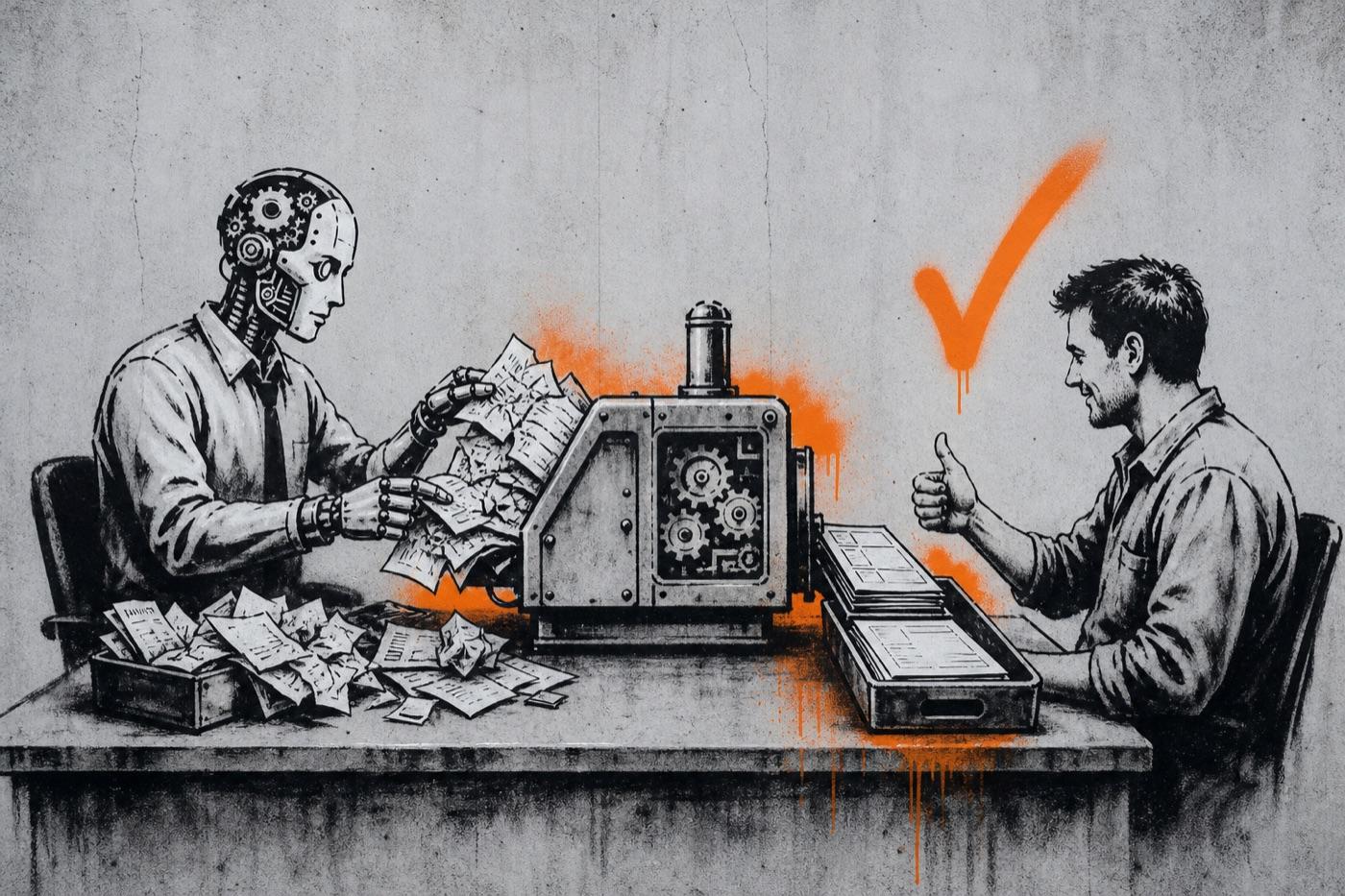
Invoices, receipts, statements, remittances and dockets are recognised and routed automatically.
Extracts the fields
Supplier, numbers, line items, tax, totals and your own fields, from each document type.
Cross-checks
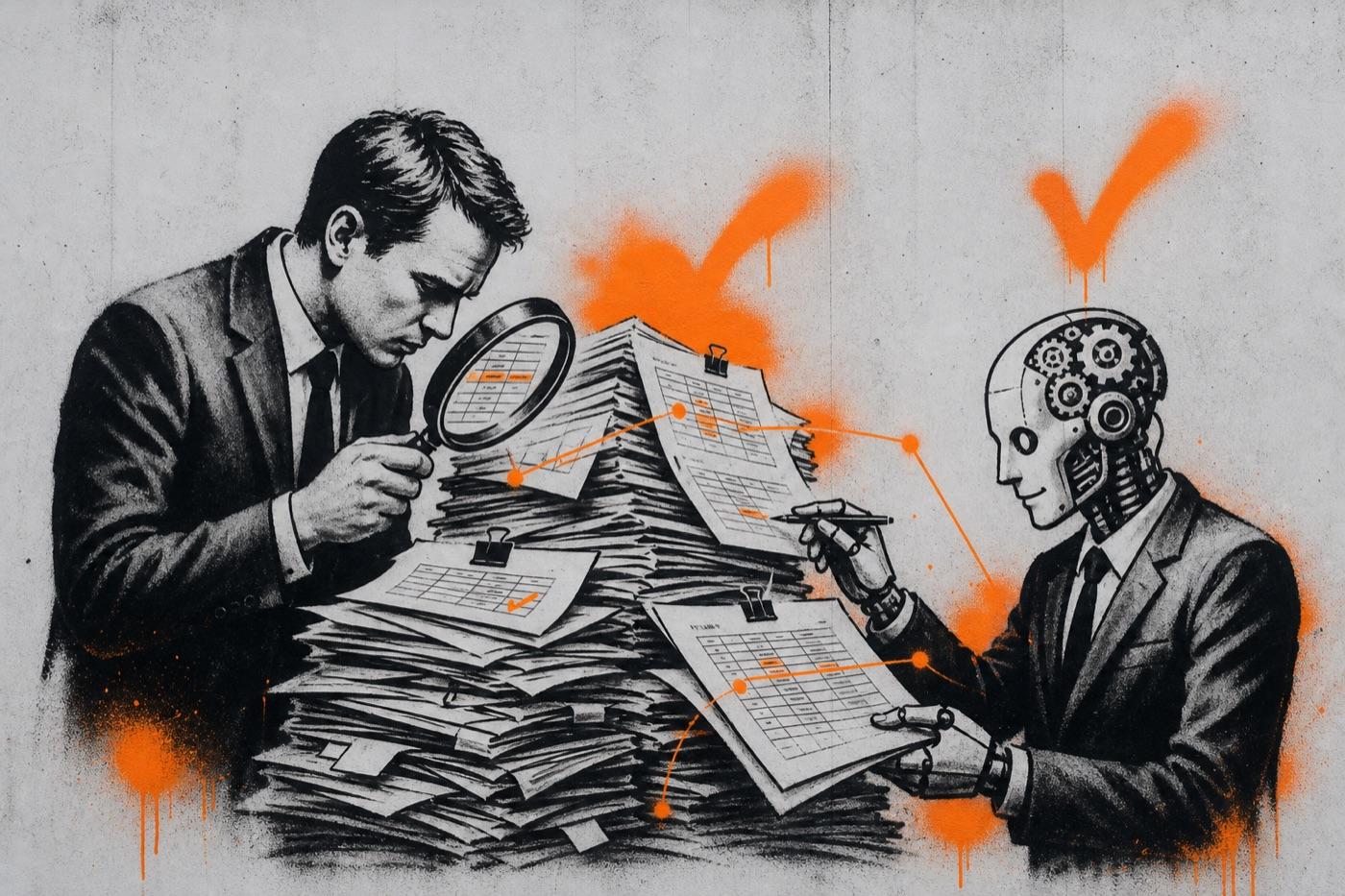
Matches invoices to remittances and statements, checks the maths and catches duplicates.
Posts it
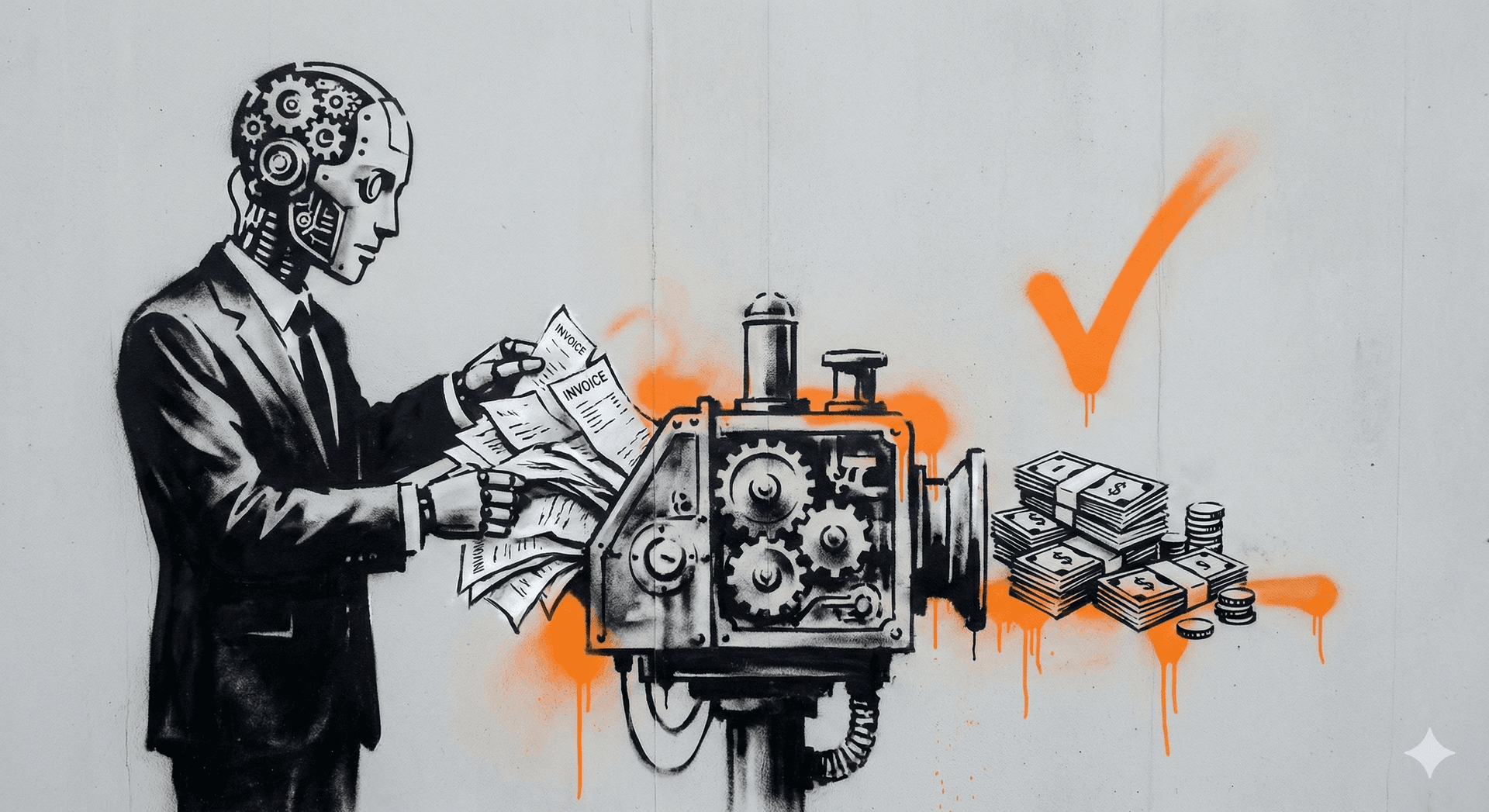
Coded draft bills in Xero, MYOB or QuickBooks with the source attached, or rows in your system of choice.
Keeps a trail
A searchable archive and review history, so you can find any document in seconds at BAS time.
003 / HOW WE BUILD IT
We test accuracy on documents the model hasn't seen before it touches your ledger. Most projects are live in three to eight weeks.
- 01
Collect samples
A few months of documents from your main suppliers, including the messy ones.
- 02
Train the models
One per document type, on your layouts and the fields you need.
- 03
Measure
Accuracy tested on unseen documents, field by field, before go-live.
- 04
Connect
Mailbox, archive and accounting system, with approval steps where you want them.
- 05
Run and improve
New suppliers and formats are added as they appear, and exceptions get rarer.
004 / BUILT AND RUNNING
005 / QUESTIONS
Anything else is quicker to answer on a call. Thirty minutes, free, with the people who would build it.
It depends on your documents and scan quality, so we measure it on your own documents before launch. For Accura Consulting, custom-trained models reached up to 95% field-level accuracy in evaluation. Low-confidence fields always go to a person instead of being posted.
Bring a handful of real documents to a free call and we'll show you what the AI pulls out of them.
Book a free call→