
AI FOR GP, SPECIALIST & ALLIED HEALTH PRACTICES
Phones, bookings, reminders, referrals, letters, filing and billing preparation for Australian GP, specialist and allied health practices. Patient data stays where you agree, and a named person signs off anything that reaches a patient or a record.
EXAMPLE ONLY · NOT A REAL PRACTICE OR PATIENT
- 07:42After-hours call bookedFollow-up with the same practitioner, Thursday 10:00… RECEPTION CONFIRMS
- 08:15Referral filedMatched to the patient, referrer and reason pulled out… STAFF APPROVE THE MATCH
- 11:30Letter draftedReply to the referring GP from the clinician's notes… CLINICIAN EDITS AND SIGNS
- 17:05Invoices preparedToday's consults ready in the practice software… PRACTICE MANAGER REVIEWS
NEVER DONE BY THE SYSTEM
Diagnosis, treatment advice, deciding who is seen first
the system does the typing · people do the deciding
001 / THE SHORT ANSWER
AI is ready for the administration around care: phones, bookings, reminders, referrals, letters, filing and billing preparation. It is not something to hand clinical judgement to. In a GP, specialist or allied health practice, that split covers most of the hours staff lose each week to retyping, sorting and chasing.
The pattern we build to is the same for every job. The system does the reading, typing and matching. A named person, whether that's reception, the practice manager or the treating clinician, approves anything that reaches a patient or goes into a record. Every step is logged, so you can show who approved what.
We're an AI and automation agency based in Sydney, and we build these systems with the Privacy Act 1988 and the Australian Privacy Principles as the frame. Nothing on this page is clinical, legal or privacy advice. Where a rule matters, we link to the regulator's own page so you can read it yourself.
002 / WHERE IT HELPS
Each one is scoped and built on its own, so a practice can start with whichever costs it the most time and stop there if that's enough.
The front desk
Calls answered day and night, appointments booked by practitioner and visit type, health fund and referral details collected, and anything clinical passed to a person.
Reminders and cancellations
SMS and email reminders with confirm-by-reply, and cancelled slots offered to patients on a waitlist before they go empty.
Referrals in
Referrals arriving by email or as PDFs are read, the patient, referrer and reason pulled out, and a suggested match to the patient record queued for staff.
Letters out
Reports and replies to referring practitioners drafted from the clinician's own notes, in your letterhead, waiting for the clinician to edit and sign.
Document filing
Results, reports and correspondence sorted to the right patient and the right clinician's inbox, instead of sitting in a shared folder.
Invoices and claims prep
Invoices and claims prepared through your practice software, missing details flagged, and exceptions left for the practice manager.
003 / THE RISK LINE
Booking, filing and billing work is admin. Letters and scribe notes sit close to care because they end up in the clinical record. Diagnosis, treatment and clinical triage are care, and we don't build software for them.
That line matters for two reasons. The closer a job sits to care, the more checking it needs before anything is saved. And software that suggests diagnoses or treatments, or prioritises patients, can be a medical device regulated by the Therapeutic Goods Administration, with requirements a booking tool doesn't have.
| Job | What the AI does | Who stays responsible | Watch for |
|---|---|---|---|
| ADMIN Calls, bookings and reminders | Answers, books, reschedules, sends reminders, offers cancelled slots to a waitlist | Reception, for anything unusual or clinical | Emergencies go to Triple Zero (000); collect only what the booking needs |
| ADMIN Referrals in | Reads the referral, pulls out patient, referrer and reason, suggests the matching record | Staff confirm the match before filing | A wrong match puts health information in the wrong record |
| ADMIN Document filing | Sorts results, reports and correspondence to the right patient and inbox | The clinician still reviews every result | Filing must never mark a result as seen |
| ADMIN Invoices and claims preparation | Prepares invoices and claims in your practice software, flags missing details | Practice manager reviews exceptions | Item numbers and eligibility stay a human call |
| CLOSE TO CARE Letters out | Drafts reports and replies to referrers from the clinician's own notes | The clinician edits and signs | Nothing is sent unsigned |
| CLOSE TO CARE AI scribe notes | Records, transcribes and drafts a note from the consultation | The clinician checks every note before it is saved | Patient consent first; check where recordings are stored |
| WE DON'T BUILD Diagnosis, treatment, triage | Suggests diagnoses or treatments, or ranks patients by clinical urgency | Your practitioners, without our software | Likely a TGA-regulated medical device |
General information only. How each job is set up depends on your practice, your software and your own advice.
004 / FRONT DESK
Book, reschedule, answer practice questions and collect what the booking needs, then hand anything clinical to a person. That covers most calls to a busy front desk, and it means patients aren't sent to voicemail after hours.
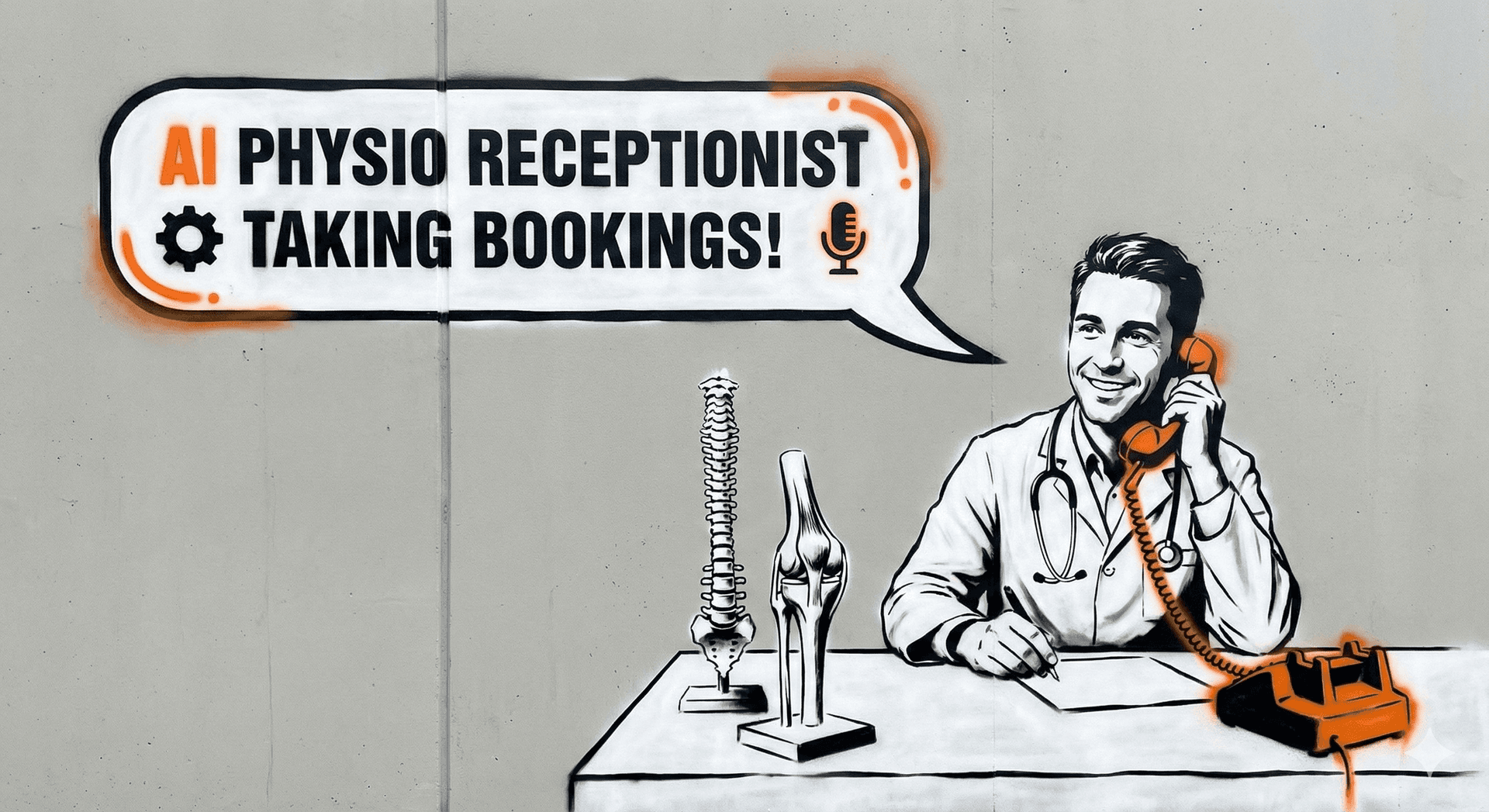
We built this for a Sydney physiotherapy clinic with four practitioners, where patients waited on hold at peak times and after-hours calls went to voicemail. The voice receptionist answers 24/7, books by practitioner and injury type, collects health fund details and GP referrals, and passes complex calls to reception with the conversation so far. Calls and bookings have an audit trail.
For a medical practice, the settings that matter most are the ones you decide before launch:
- Anyone describing an emergency is told to call Triple Zero (000) and flagged to staff, every time.
- It collects only what the booking needs. A reason for visit, not a medical history.
- It never gives health advice, even when the caller asks for it directly.
- Callers are told they are speaking with an AI and, if calls are recorded, that the call is recorded.
- It books into your existing appointment book through your practice software where that software allows it.
Our AI receptionist guide covers call recording rules, integrations and costs in more detail.
005 / THE INBOX
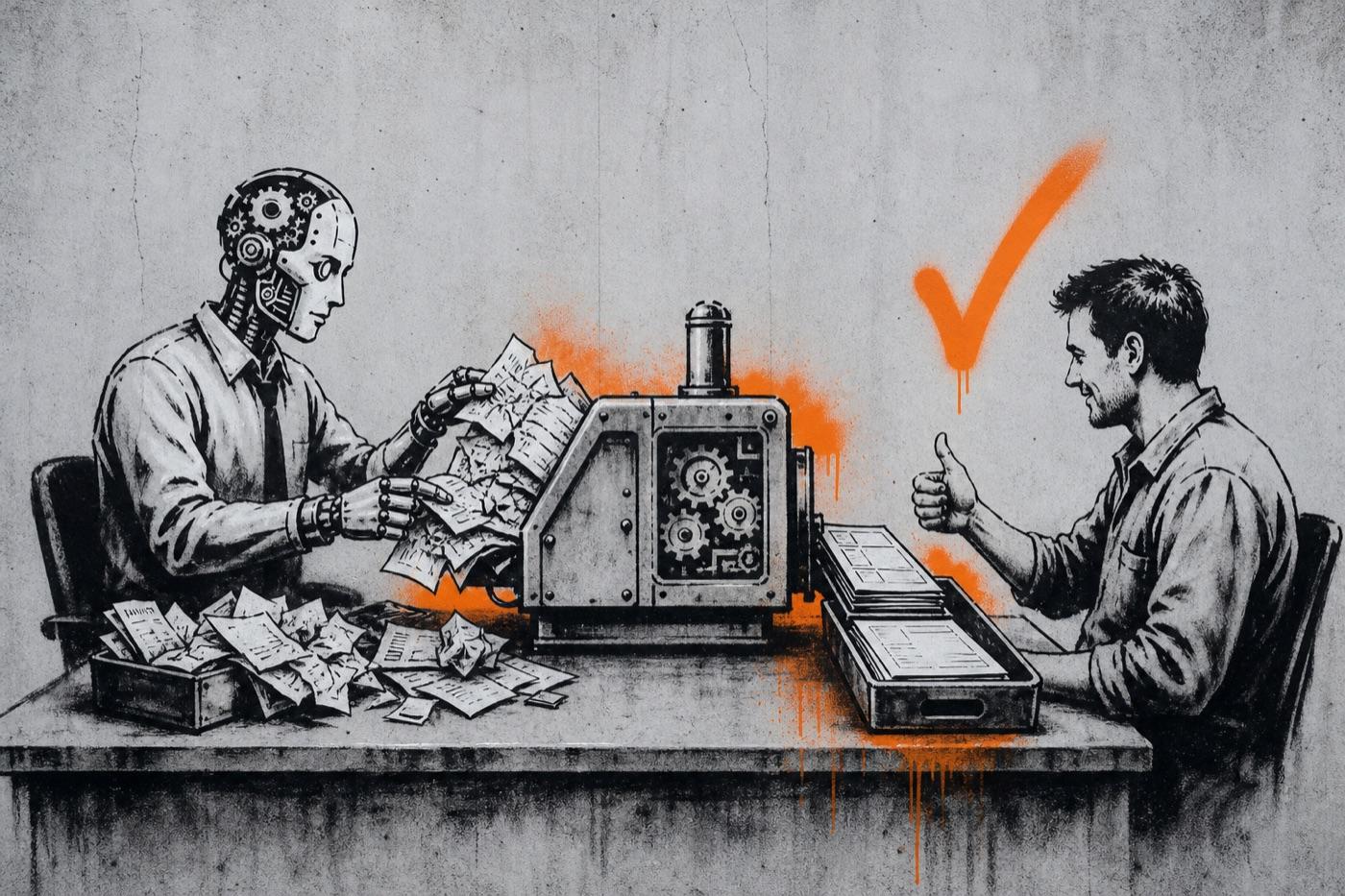
It reads each document, pulls out the details staff would otherwise retype, and puts a draft in front of the right person to approve. Nothing is filed against a patient, and no letter leaves the practice, until someone has checked it.
A referral coming in usually goes like this:
- A referral arrives by email or as a scanned PDF.
- The system reads it and extracts the patient's name and date of birth, the referring practitioner, the reason for referral and any urgency the referrer has written.
- It searches your patient records and suggests a match, or flags the patient as new.
- A staff member confirms the match with one click, and the referral is filed and the patient contacted to book.
- Anything it can't read clearly goes to a review queue instead of being guessed.
It reports urgency only as the referrer wrote it. Deciding how soon a patient is seen stays with your clinicians.
Letters out run the other way. The clinician's notes become a draft report or reply to the referring GP in your letterhead. The clinician edits it, signs it and sends it. The same review-first approach runs through our document AI work. In an email intake workflow for a financial services firm, hosted on AWS Sydney, names and contact details are masked before the model sees the message, and nothing is created until a person approves it. The same approach can be used for referral intake.
006 / AI SCRIBES
AI scribes can be used in Australian practice, but the clinician stays responsible for every note, and the patient needs to agree to it first. A scribe listens to the consultation, transcribes it and drafts a clinical note, referral letter or summary for the clinician to review.
Ahpra's guidance on AI in healthcare says practitioners are responsible for checking the accuracy and relevance of records created with generative AI. It says a scribe will generally need the patient's informed consent, ideally noted in the health record, and that because recording a consultation without consent can have criminal implications, scribe software should ask for consent as its first step. It also asks practitioners to know where patient data is stored, whether it is used to train the AI, and whether their professional indemnity insurance covers the tools they use.
The TGA's page on digital scribes draws the line on regulation. A scribe that only records, transcribes and summarises, without adding clinical content the practitioner didn't state, is an administrative tool. One that suggests diagnoses or treatments, triages patients or generates clinical conclusions is likely to be a medical device. The Australian Commission on Safety and Quality in Health Care has an ambient scribe safety scenario, and the RACGP publishes an AI scribes fact sheet for GPs.
We don't sell an AI scribe. If you're choosing one, these are the questions we'd want answered in writing first:
- Where are audio, transcripts and notes stored and processed, and for how long?
- Are recordings or notes used to train the vendor's models, and can that be switched off?
- Does the product ask for patient consent before it starts recording?
- Does any feature suggest diagnoses, treatments or follow-up tests? If so, is it in the ARTG?
- Can the clinician see what the scribe heard, so a wrong note can be checked against the transcript?
- What happens to your data if you stop using it?
007 / PRIVACY
Every practice is covered, and health information gets the strictest handling. The OAIC says organisations that provide a health service and hold health information are covered by the Privacy Act 1988 whatever their turnover, so the small business exemption doesn't apply. Health information is sensitive information under the Australian Privacy Principles.
Two more layers are worth knowing. If an AI tool sends patient information to a provider overseas, APP 8 can leave your practice accountable for what happens to it there. And in NSW, Victoria and the ACT, private health providers must also follow state or territory health privacy laws.
For the systems we build, that turns into a short list agreed before any work starts:
- Where the data lives: an Australian cloud region in Sydney, or inside your own environment. See our private AI hosted in Australia.
- Encryption in transit and at rest, access by role, and an audit log of who saw and approved what.
- No patient data used to train public models.
- Personal details masked before a cloud model sees them where the job allows it.
- Documentation of what each system collects and why, so you can update your privacy policy.
The quickest risk to fix is usually staff pasting patient details into a free chatbot to write a letter. Give them a safe alternative and a clear rule. Our AI acceptable use policy template is a starting point.
008 / BOUNDARIES
We build the administrative systems around a practice. We don't build software that makes clinical decisions.
What we build:
- Voice and chat receptionists that book, reschedule and answer practice questions
- Reminder, confirmation and waitlist workflows
- Referral intake, document filing and letter drafting with staff or clinician approval
- Invoice and claim preparation through your practice software
- Patient-facing websites, booking pages and intake forms
What we don't do:
- Tools that diagnose, recommend treatment, interpret results or rank patients by clinical urgency
- Our own AI scribe product, or reselling one
- Clinical, legal or privacy advice. Your practice's obligations are yours to confirm with your own advisers
If a job you have in mind sits near that line, we'll say so on the first call, before anything is quoted. Physio and fitness businesses can also see AI for physiotherapy and wellness. Dental practices can see AI for dental practices, which covers recalls, treatment plan follow-up and Ahpra's review rules.
009 / HOW WE START
We start with the job that costs your staff the most hours, run it alongside the current process, and only switch over when your team is happy with it.
- 01
Pick the job
Usually the phones or the referral inbox. We look at a normal week of calls or documents with your practice manager.
- 02
Check the software
What your practice management software allows decides what's practical. We confirm it before quoting.
- 03
Agree data and sign-off
Where data lives, what is collected, and which named person approves each output, written down before the build.
- 04
Run it in parallel
The system drafts while staff keep working as normal, so you can compare its work with theirs on real cases.
- 05
Switch over and review
Go live once your team is happy, with the audit log on from day one and a review after the first month.
010 / BUILT AND RUNNING

011 / QUESTIONS
Anything else is quicker to answer on a call. Thirty minutes, free, with the people who would build it.
Mostly with the admin around care, not the care itself. Useful jobs include answering and booking calls, sending reminders and filling cancellations, reading incoming referrals and filing them against the right patient, drafting outgoing letters for the clinician to check, sorting results and correspondence into the right record, and preparing invoices and claims in your practice software for staff to review. Clinical decisions stay with your practitioners.
Tell us where your front desk or inbox loses the most time. In thirty minutes we'll sketch the workflow, where the data would live and who signs off.
Book a free call→