
AI FOR HOTELS, MOTELS & ACCOMMODATION
Pre-arrival and check-in messages, an AI concierge for Wi-Fi and parking questions, booking calls answered with the total price, late check-out requests routed to the desk, maintenance jobs logged and corporate invoices drafted. Built around your PMS and channel manager, with staff deciding every exception.
EXAMPLE ONLY · NOT A REAL PROPERTY OR GUEST
- PRE-ARRIVALBooking for tomorrow, arriving 9:30 pmCheck-in details, after-hours key instructions and parking sent… NO CALL TO THE DESK NEEDED
- IN-STAY"Can we check out at 1 pm?" Room 14Next arrival checked, request sent to the desk with that context… FRONT DESK APPROVES OR DECLINES
- PHONE"Two nights next weekend, a queen and a twin?"Rates read from the PMS, total price quoted, direct link texted… GROUPS GO TO THE MANAGER
- MAINTENANCE"The air-con in 22 is dripping"Job logged with room, photo and priority; re-sent if nobody accepts… MAINTENANCE CLOSES IT
- ACCOUNTSCorporate guest checks out, PO on fileDraft invoice in Xero with folio and PO number attached… MANAGER APPROVES BEFORE SENDING
NEVER SAID BY THE SYSTEM
"Yes, late check-out is fine." (Only staff say that.)
the system answers · the desk decides
001 / THE SHORT ANSWER
AI is most useful at a hotel or motel for the questions guests ask over and over, the calls nobody can get to, and the admin that follows a stay: requests, maintenance jobs, review replies and corporate invoices. Staff still decide anything that commits a room, a price or an exception.
Most guest contact is the same dozen questions: check-in time, parking, Wi-Fi, breakfast, late check-out. With one person on the desk, each one interrupts a check-in.
We're an AI and automation agency based in Sydney. We work remotely with businesses across Australia and New Zealand and fly in for kick-offs, training and go-lives. This is general information, not legal advice. If you also run a restaurant or function space on site, see AI for restaurants and cafés for table bookings and allergen rules.
002 / GUEST MESSAGING
Send the information guests need at the moment they need it, from booking to the review request, and turn every reply that needs a person into a task for staff. Timed well, these messages stop most of the "quick question" calls before they happen.
ON BOOKING
Confirmation with dates, room type, total paid or owing, and the cancellation policy in plain words.
1–2 DAYS BEFORE
Check-in time, address and parking, after-hours arrival instructions, and an invitation to ask for anything (cot, early check-in, accessible room).
ARRIVAL DAY
Wi-Fi details, breakfast times and how to reach the desk. For self check-in, the key or code step, sent only through the channel your PMS or lock system uses.
DURING THE STAY
Answers from your house information at any hour. Requests (extra towels, late check-out, a noise complaint) become tasks for staff.
CHECK-OUT
Check-out time, how to settle the bill, and a copy of the folio or tax invoice if requested.
AFTER THE STAY
A thank-you and review link. Promotions only to guests who said yes to marketing.
Everything comes from one written source, your house information. If a detail isn't in it, the assistant says it will check with the desk rather than guessing. The same answers work by email, SMS or website chat.
003 / AI CONCIERGE
It can take the request, check the context and get it to the right person quickly, but staff should give the answer. Late check-out depends on the next arrival and housekeeping load; a wrong "yes" from a chatbot is worse than a short wait.
How a request is handled:
- The guest asks by chat, text or phone; the assistant confirms the room and request.
- Where the PMS allows, it checks the room's next arrival and housekeeping status.
- The request reaches the desk as one line: "Room 14 wants 1 pm check-out, next arrival 3 pm, room due for a full clean."
- Staff approve or decline in a click, and the guest gets the answer in the same thread.
Room changes, cots, early check-in and noise complaints follow the same route. Anyone describing an emergency is told to call Triple Zero (000) and the desk is alerted.
004 / PHONES & DIRECT BOOKINGS
Answer every call, quote real availability and the total price from your PMS or booking engine, and either take the booking or text the caller your direct booking link. Pass groups, long stays and discount requests to a person.
An AI receptionist catches calls during a check-in rush or after the desk closes. For accommodation it needs its own rules:
- Rates come from the system. It reads rates and availability; it never makes up a price or a "special".
- Check your OTA agreements. Booking site contracts can include terms about the rates you offer elsewhere, so the phone script must match what yours allow.
- No claims you can't back. "Best rate" or direct-booking perks only if they're true.
- Honesty. Callers are told they're speaking with an AI and, if calls are recorded, that the call is recorded.
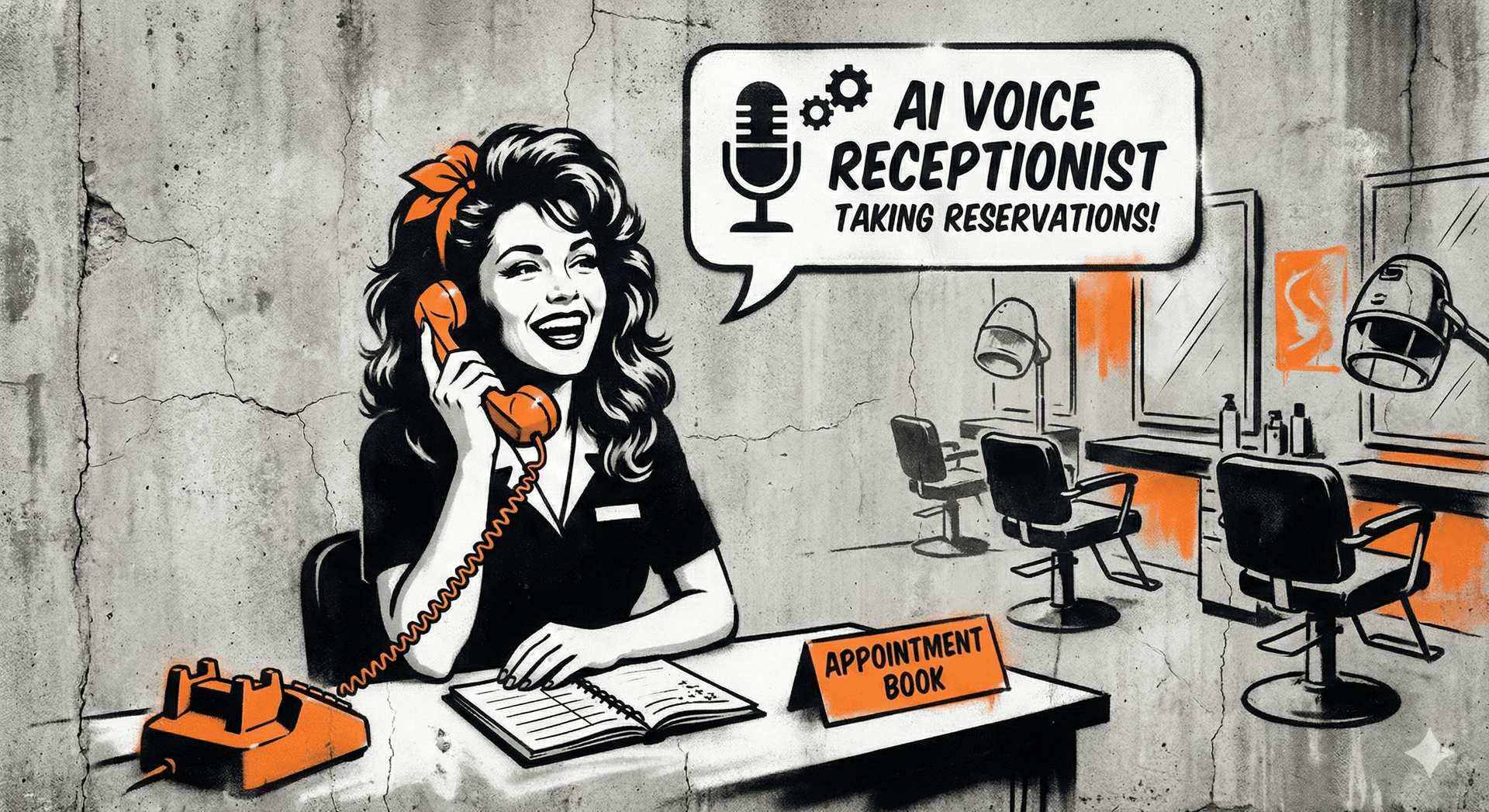
We've built this pattern for a beauty salon: a 24/7 voice assistant that checks live availability in Fresha and Calendly and books during the call. For a property, the booking system and rules change; see AI voice assistants.
005 / PRICING RULES
Any price your system quotes to a guest should be the total they will have to pay, including taxes and unavoidable fees such as a mandatory cleaning or resort fee. Optional extras can be shown separately.
The ACCC's price displays guidance already says businesses must show a single total price, which is the minimum total cost, including taxes, duties and any unavoidable or pre-selected extra fees. On top of that, the Competition and Consumer Amendment (Unfair Trading Practices) Act 2026 adds specific drip pricing rules from 1 July 2027 for goods and services ordinarily bought for personal, domestic or household use, which would cover most holiday and leisure bookings.
Card fees changed too. The ACCC's card surcharges page says that from 1 October 2026, businesses can no longer add a surcharge to Visa, Mastercard or eftpos card payments. Automated invoices and payment links should not add one.
So prices in quotes and confirmations are pulled from the PMS with mandatory fees included, never typed by the AI, and optional extras such as breakfast or parking are labelled optional.
General information, not legal advice. Check your own pricing with your adviser.
006 / HOUSEKEEPING & MAINTENANCE
It turns guest-reported faults into proper jobs (room, problem, photo, priority) and keeps chasing until someone accepts them. It can also tell the desk which rooms are ready without a phone call to housekeeping.
A 10 pm text saying "the shower's cold" usually becomes a sticky note. Instead:
- Every fault is logged against the room in the PMS, a job board or a Teams or Slack channel.
- Priority is set by your rules. No hot water, a broken lock or a leak gets the on-call person now; a loose towel rail waits for the morning list.
- Unaccepted jobs are re-sent to the next person after a set time, so nothing sits unseen overnight.
- Room status flows both ways where your PMS supports it: housekeeping marks a room clean, and the desk sees it ready for an early arrival.
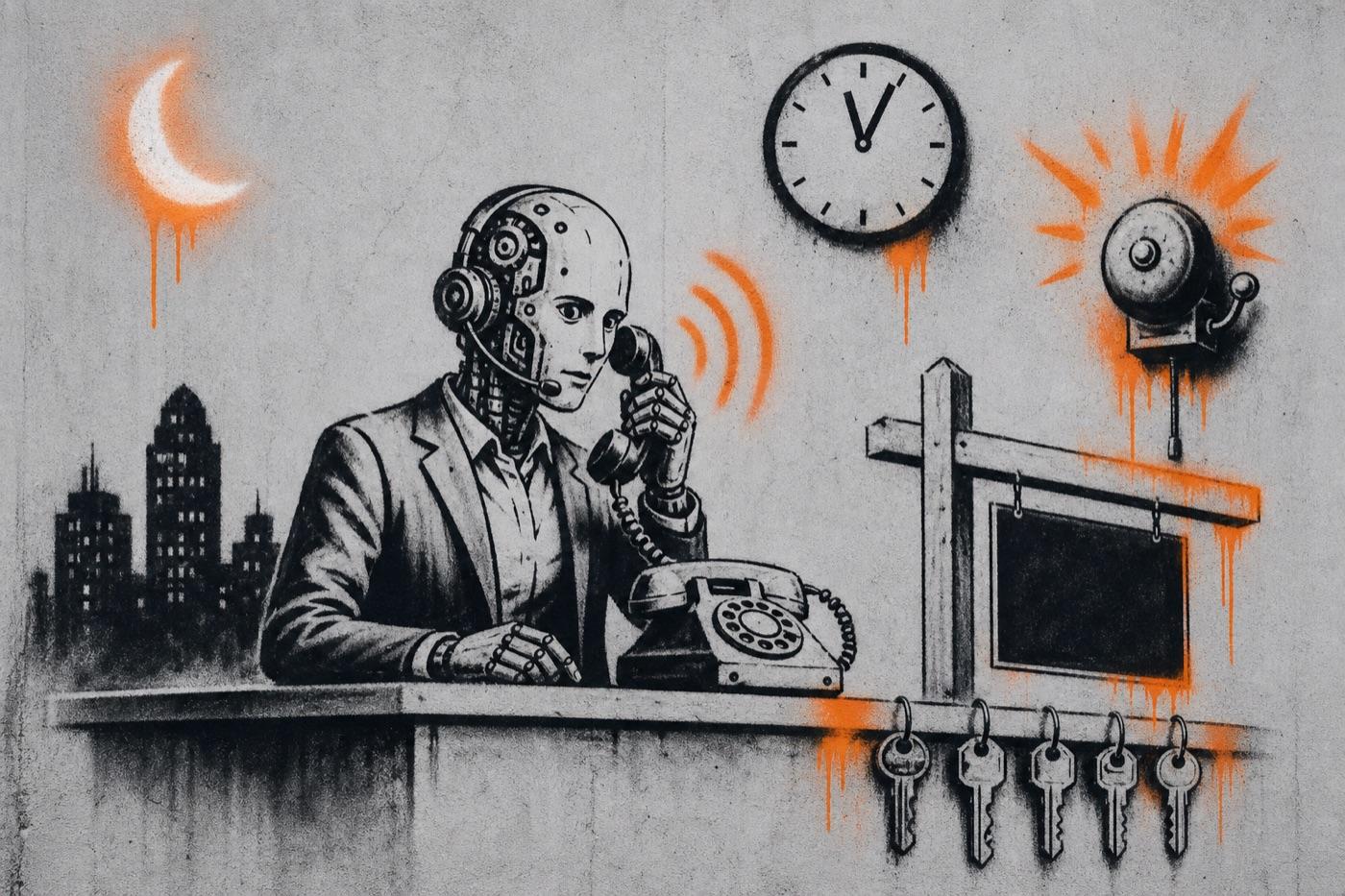
The escalation piece is one we've built before. For Smart Call Systems, an after-hours voice agent for real estate agencies logs maintenance calls, escalates urgent ones and re-pages staff when an escalation isn't acknowledged. Anything that sounds like a safety risk, such as a gas smell, sparking power point or water near electrics, goes straight to a person.
007 / GROUPS & FUNCTIONS
Use it to turn a loose enquiry into a full brief and a draft quote built from your group rates and packages, so the manager reviews and sends rather than starting from a blank email.
Group accommodation has details that are easy to miss:
- The AI asks for what's missing: dates, number of rooms and room types, arrival times, who pays (one bill or each guest), meeting space, catering and dietary needs.
- It checks availability for the block and drafts a quote from your group rates only. If you don't have a rate for that size, it says so and leaves it for the manager.
- The quote states the block's cut-off date, deposit and cancellation terms from your standard conditions.
- Once confirmed, it chases the rooming list.
This runs on the same tools as our AI email automation, with repeat event clients kept in a CRM through CRM automation.
008 / CORPORATE ACCOUNTS
Yes. When a corporate guest checks out, the system can draft the invoice in Xero or MYOB from the folio, add the purchase order number and stay details the client asks for, and hold it for approval.
Tradies, government staff and crews staying on account each want their own PO numbers, cost codes and statements. The workflow:
- Checkout in the PMS triggers the invoice draft, with the folio attached and the client's reference fields filled in.
- Missing details, such as no PO number for a client that requires one, are flagged before the invoice goes anywhere.
- The manager or bookkeeper approves, and the invoice goes to the client's accounts address.
- Overdue accounts get an approved reminder and a monthly statement.
Supplier bills go the other way: our supplier invoice pipeline turns emailed bills into draft Xero bills for staff to approve. See Xero automation and MYOB automation.
009 / REVIEWS
Let it draft replies across the sites you're reviewed on and have the manager approve them. Replies are public, and future guests read them as closely as the review.
- Positive reviews get a short reply that mentions what the guest mentioned.
- Complaints, or reviews naming a staff member, go to the manager with a suggested reply. Nothing posts automatically.
- AI is never used to write reviews of your property or a competitor's.
010 / PRIVACY
Sight ID rather than copy it where sighting is enough, destroy what you no longer need, and keep ID images out of chat tools and AI prompts entirely.
The OAIC's ID scanners guidance says collecting unnecessary personal information breaches the Privacy Act, and that you should not scan or copy a customer's ID if sighting it would be sufficient. It also says personal information that is no longer needed must be destroyed or de-identified, including archived and backup copies.
The OAIC's small business guidance says most businesses with annual turnover of $3 million or less aren't covered by the Privacy Act 1988, though some are whatever their size. We build to the same habits either way:
- The assistant never asks for photos of ID or cards; those go through your PMS or payment system.
- You know which country each tool stores guest data in. See private AI hosted in Australia.
- Staff have a written rule against pasting guest details into free chatbots; our AI acceptable use policy template is a starting point.
On marketing, the ACMA says under the Spam Act 2003 every commercial message must identify the sender and include an unsubscribe that is honoured within 5 working days. A stay is not consent to promotions. Our Privacy Act and AI guide covers the rest.
011 / WHERE TO START
Guest messages, booking calls and maintenance logging are usually the first wins. Requests, quotes, reviews and invoices work best with a person approving. ID, refunds, disputes and emergencies stay with staff.
| Job | What the AI does | Who stays responsible | Watch for |
|---|---|---|---|
| AUTOMATE Pre-arrival and stay messages | Sends check-in, parking and Wi-Fi details on schedule; answers questions from your house information | Front desk for anything not in the house information | Door codes only through your PMS or lock system's own channel |
| AUTOMATE Phone and message bookings | Reads availability and rates, quotes the total price, books or sends the direct booking link | Manager for groups, long stays and discounts | Total price including mandatory fees; caller told it's an AI |
| AUTOMATE Maintenance and housekeeping requests | Logs the room, fault, photo and priority; re-sends if no one accepts it | Maintenance or housekeeping closes the job | Safety issues (gas smell, electrical, water near power) go straight to a person |
| PERSON APPROVES Late check-out, upgrades, room changes | Collects the request and next-arrival context, sends it to the desk | Front desk decides and replies | The AI never promises the answer |
| PERSON APPROVES Group and function enquiries | Builds the brief and drafts a quote from your group rates and packages | Manager approves before sending | No invented rates; room block cut-off dates stated |
| PERSON APPROVES Review replies | Drafts a specific reply to each new review | Manager approves; complaints always go to the manager | Never write or buy reviews |
| PERSON APPROVES Corporate account invoices | Drafts the invoice in Xero or MYOB from the folio, with PO number and stay details | Manager or bookkeeper approves | Tax invoice details correct; folio attached |
| KEEP WITH STAFF Guest ID, refunds, disputes, emergencies | Points the guest to the desk; anyone describing an emergency is told to call Triple Zero (000) | Staff, every time | No ID images in chat; no refund promises |
General information only. How each job is set up depends on your property, your systems and your own advice.
012 / PMS & CHANNEL MANAGERS
Usually, but how much it can do depends on what your PMS and channel manager allow on your plan, so we check before quoting.
Cloudbeds
Its developer documentation covers reservation, guest and housekeeping endpoints, plus webhooks that notify an app when something happens at the property. Properties can use API keys; some calls are only available to integration partners.
RMS
RMS, headquartered in Keilor Park, Victoria, offers a REST API and lists hundreds of integration partners across distribution, payments, point of sale, accounting and guest experience.
SiteMinder
SiteMinder's channel manager connects properties to booking sites, and its Hotel App Store lists more than 100 connected apps, including guest messaging and review management.
Little Hotelier
Built for small accommodation providers and powered by SiteMinder. Its app store says users can connect to apps on the SiteMinder Hotel Exchange.
From each vendor's own website, November 2026. Features vary by plan and region; confirm with the vendor.
Whatever you use, it's one of three patterns: a direct API or app connection that reads and writes bookings, your own booking link sent to the guest, or a structured request that staff confirm in a click.
013 / HOW WE START
We start with whichever job costs the desk the most time, usually guest questions or the phones, and run it alongside your current process before switching over.
- 01
Pick the job
We look at a normal fortnight of calls, messages and requests with the manager.
- 02
Write the house information
Check-in, parking, Wi-Fi, policies and fees, in one document the assistant answers from.
- 03
Check your systems
We confirm what your PMS, channel manager and accounts allow: direct connection, booking link, or message and confirm.
- 04
Agree the rules
What it may answer, what goes to the desk, maintenance priorities, quote packages and who approves what.
- 05
Run it in parallel, then switch
Your team checks its work on real guests first. Go live when they're happy, with logs from day one and a review after the first month.
014 / BUILT AND RUNNING
015 / QUESTIONS
Anything else is quicker to answer on a call. Thirty minutes, free, with the people who would build it.
Mostly with guest messages and front-desk admin: check-in information, Wi-Fi and parking questions, booking calls, late check-out requests routed to staff, maintenance jobs, review replies, group quotes and corporate invoices. Staff approve anything that commits the property to a price, a room or an exception.
Tell us where your desk loses the most time. In thirty minutes we'll sketch the workflow, what your PMS and channel manager allow, and who approves each step.
Book a free call→