
AI FOR CLEANING BUSINESSES · QUOTES TO INVOICES
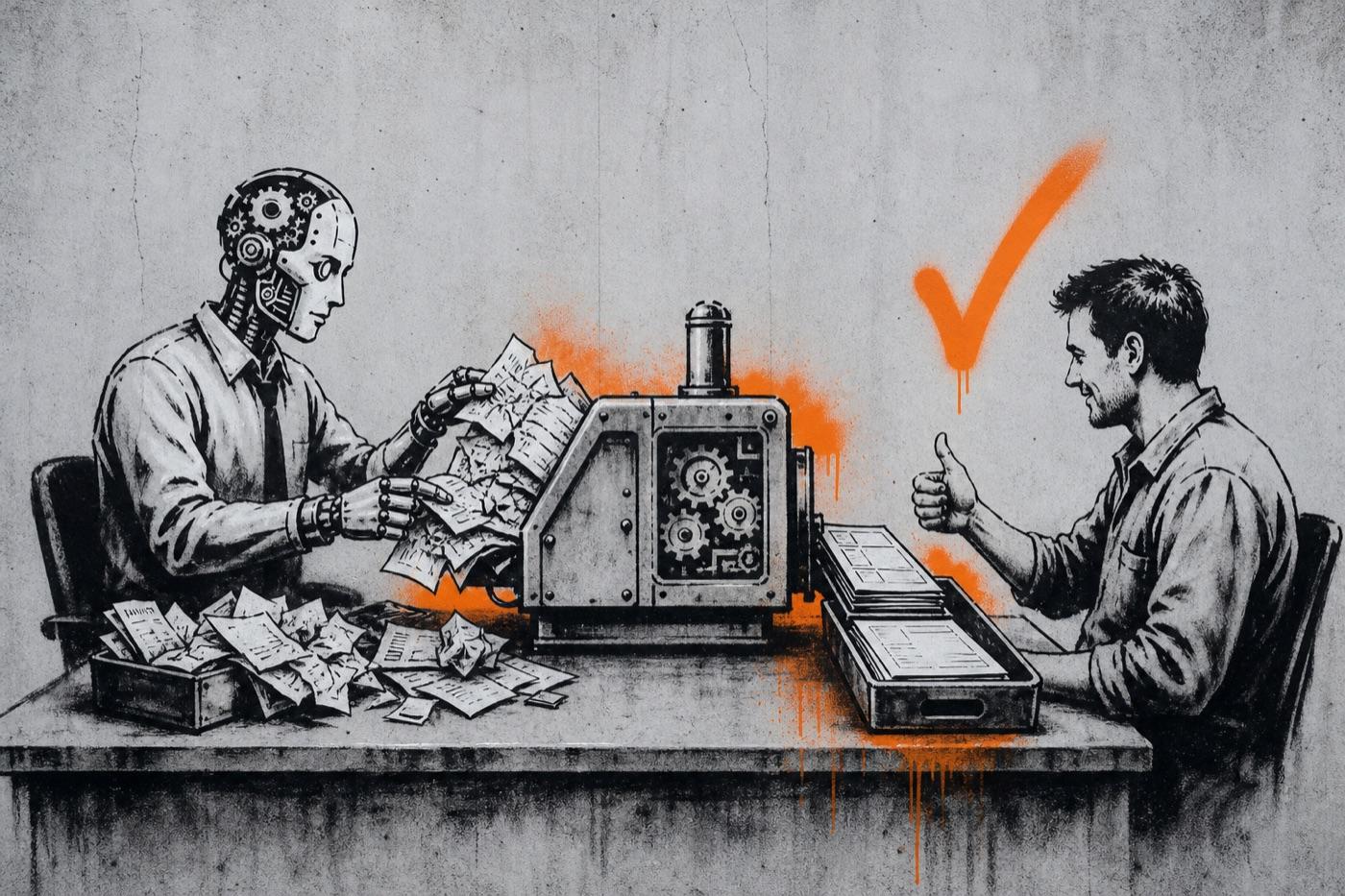
Draft quotes from photos and room counts, bookings and recurring cleans, roster gaps and shift notes, bond-clean checklists, feedback and invoices into Xero or MYOB. The system drafts and reminds. You set the prices and make the people decisions.
EXAMPLE ONLY · NOT A REAL BUSINESS
- 07:12“End of lease, 3 bed 2 bath, oven and carpets, 9 photos”Bond-clean price list applied, plus oven and carpet add-ons. Photos show a heavy oven, so the range goes up. Owner checks it first… DRAFT QUOTE · OWNER CONFIRMS
- 08:40“Fortnightly clean for a 2 bed unit, Tuesdays?”Tuesday slot free on Ana's run. Booked with key notes, first reminder set… BOOKED · RECURRING
- 10:05“Office, about 600 m², five nights a week”Commercial: no price from photos. Walk-through offered for Thursday… SITE VISIT BOOKED
- 11:30“Black mould across the bathroom ceiling”Outside your standard scope. Sent to the owner to call back… TO A PERSON
NEVER DONE BY THE SYSTEM
Sending a price you haven't seen, deciding who's an employee, promising a bond back
the system drafts · the owner prices
001 / THE SHORT ANSWER
AI helps a cleaning business by answering enquiries with a draft quote while you're still on a job, then keeping bookings, recurring cleans, rosters, checklists, feedback and invoices moving without a night of admin. You keep the prices, the people decisions and the customer relationship.
This page is for residential, end-of-lease and commercial cleaning businesses, from an owner-operator with a few regular clients to a company running night crews across office sites. If you already run ServiceM8 and want the plumbing between it and Xero, read our ServiceM8 automation page. If you're the agency ordering bond cleans, see AI for property managers.
We're based in Sydney and work remotely with businesses across Australia and New Zealand, flying in for kick-offs and training when it helps. Nothing here is legal, tax or employment advice.
002 / THE WORK
The jobs that suit AI are the ones repeated for every clean: quoting, booking, reminding, checking off and invoicing. Anything about pay, employment status or a dispute stays with you.
| Job | What the system does | What the owner keeps | Rule to watch |
|---|---|---|---|
| Quotes | Reads room counts, add-ons and photos, applies your price list, drafts a range with reasons | Confirms or changes every price; walks commercial sites | Australian Consumer Law: quotes must not mislead |
| Bookings and recurring cleans | Offers slots that fit the roster, books, reminds, handles reschedules | Approves price changes and anything outside the run | Spam Act for any promotional message |
| Rosters and shift notes | Shows gaps and clashes, flags short shifts, turns site instructions into shift notes | Builds and approves the roster; pay stays in payroll | Cleaning Services Award, National Employment Standards |
| Checklists and photos | Room-by-room checklist on the phone, photo prompts, a completion report | Handles re-clean requests and disputes | Photos inside homes are personal information |
| Feedback and reviews | Asks every customer after every clean, routes complaints to you | Replies to complaints and reviews | ACCC guidance on online reviews |
| Invoices | Draft invoice per completed job or per contract period, overdue reminders | Approves invoices; native sync posts payments | Your accounting software is the record |
| Employee or subcontractor, pay rates, firing | Nothing. We don't build tools that classify workers or set pay | Owner, with an accountant, payroll adviser or lawyer | Fair Work Act, sham contracting |
General information only. Laws and awards change; check the official source for your situation.
003 / QUOTING
AI can draft the quote, not set the price. It applies your own price list to the room counts and extras, uses the photos to spot jobs that will take longer, and sends you a range with its reasons to confirm. Most cleaning enquiries arrive when you're elbow-deep in someone else's oven, so a fast, sensible draft is worth a lot.
How the first example in the queue above works:
- Ask the right questions up front. A short form or chat asks for bedrooms, bathrooms, storeys, carpets, oven, windows, balcony, pets, furnished or empty, and the date. Missing answers get one follow-up, not a phone call.
- Read the photos for effort, not square metres. Built-up grease, mould, pet hair, wall marks or a full house of furniture move the estimate up and are listed so you can see why.
- Apply your price list. Your base prices, add-ons, minimum charge and travel zones, written down once. The model never invents a rate.
- Send you the draft. A range, the reasons and the customer's photos on one screen. Approve, change or call.
- Follow up once, then stop. One reminder if the customer goes quiet, and nothing after they say no.
Commercial work is different. Photos can't show floor area, traffic, bathrooms per floor or the frequency the client really needs, so the system books a walk-through and later turns your site notes into a draft scope and proposal. Unusual jobs (mould, biohazards, hoarding, after-builders cleans) go straight to you.
004 / BOOKINGS
Once a quote is accepted, the system offers slots that fit your existing runs, books the clean, stores the access notes against the job and sends reminders. Recurring clients get the same cleaner and day where possible, and changes come to you.
- Recurring cleans: weekly, fortnightly or monthly bookings created as a series, with a reminder the day before and a heads-up if the cleaner changes.
- Reschedules and cancellations: a customer can move a clean within your rules; late cancellations are flagged for your cancellation policy rather than charged automatically.
- Gaps in the run: when a regular cancels, the system can suggest who on the waiting list or nearby suburbs could take the slot.
- Rebooking one-off customers: an end-of-lease or spring clean customer can be offered a regular service, but that's a marketing message.
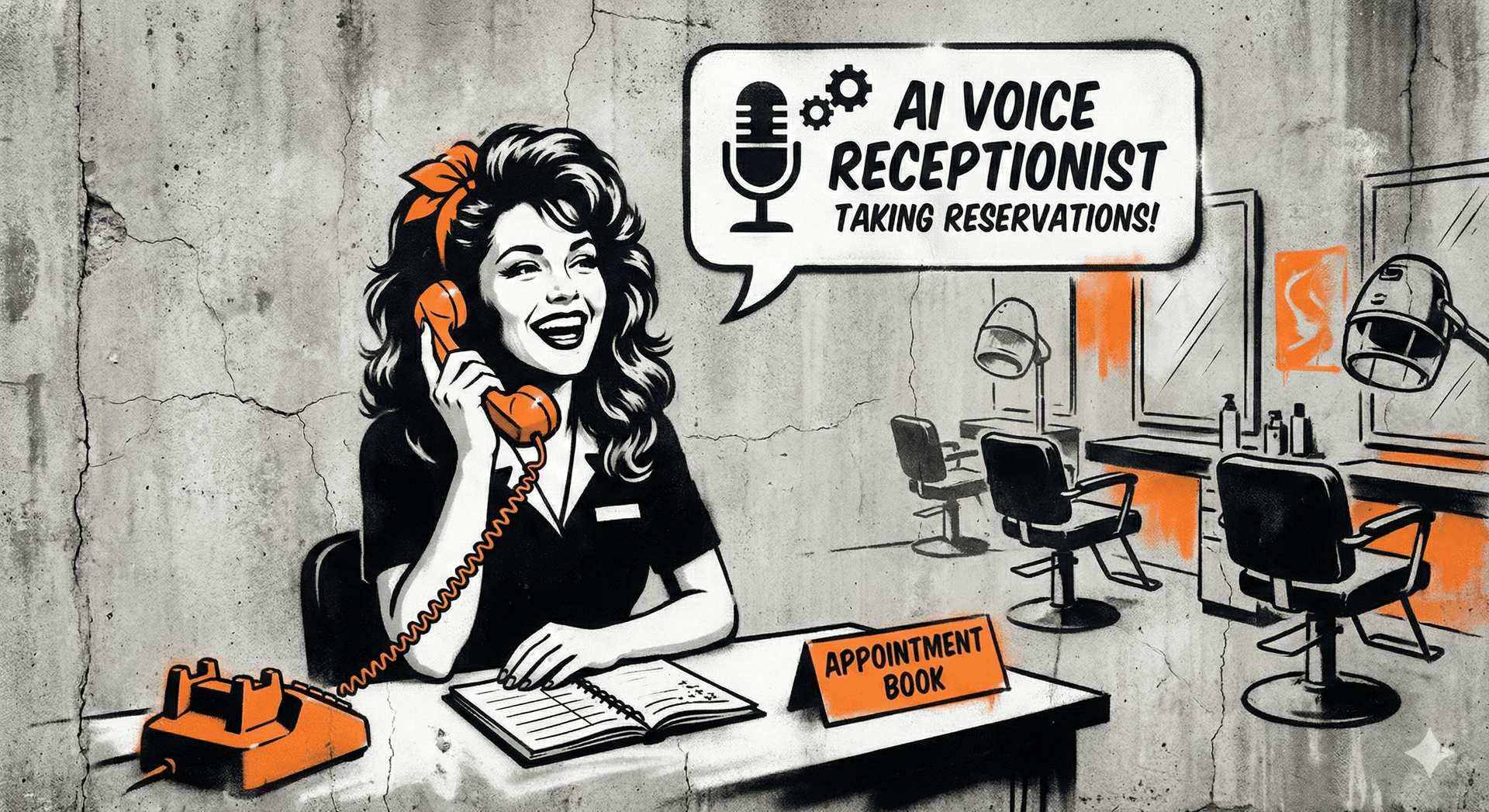
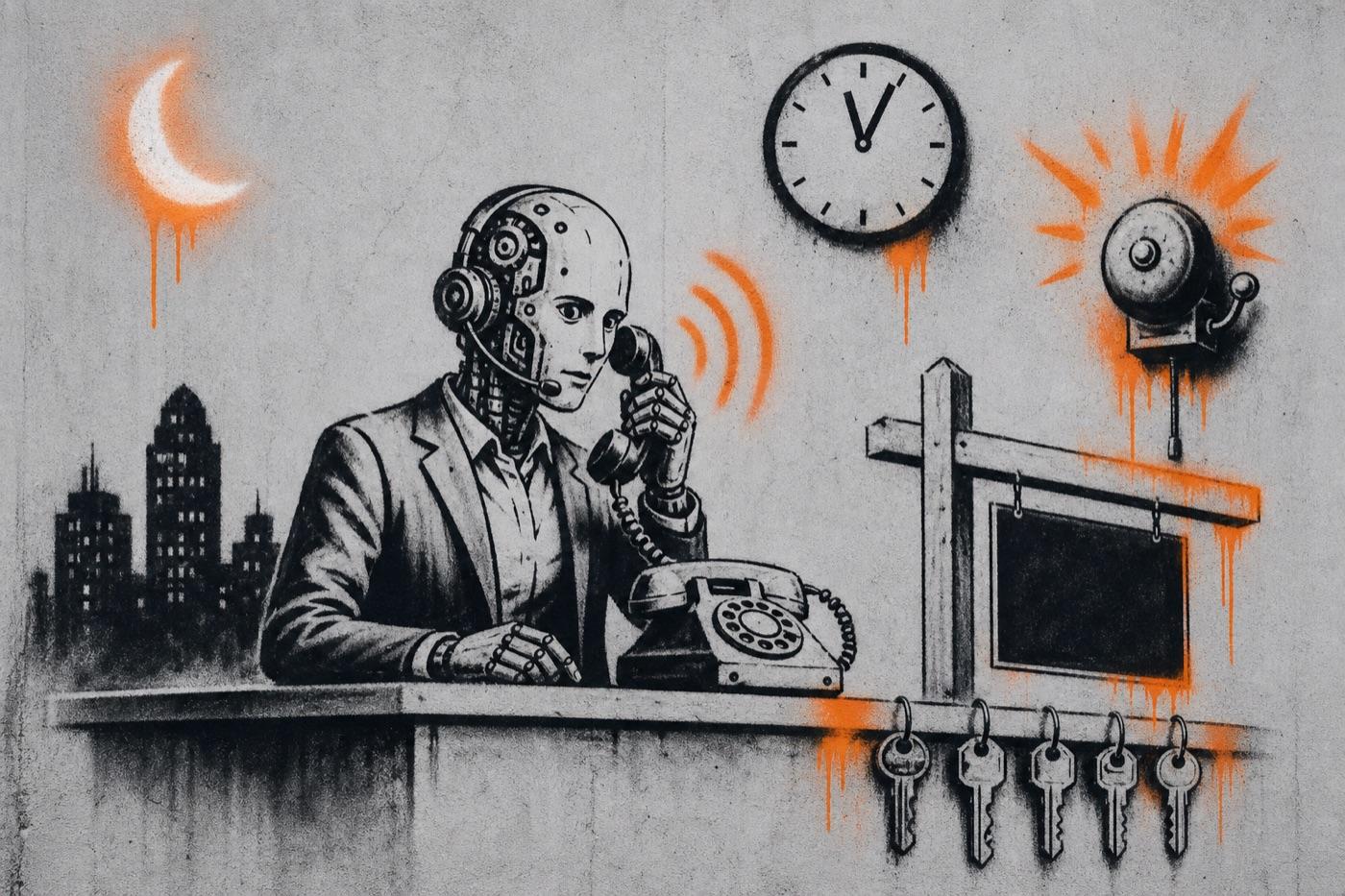
Under the Spam Act 2003, marketing emails and texts need consent, must identify you as the sender with your contact details, and must make it easy to unsubscribe, according to the ACMA's guide to avoiding spam. We tick the consent box at booking time, keep a record and let unsubscribes stop every sequence. For calls you miss while on a job, an AI receptionist can take the booking details.
005 / ROSTERS AND SUBCONTRACTORS
Yes for the admin, no for the decisions. AI can show roster gaps, flag clashes and shifts that look too short, and turn each site's instructions into clear shift notes. It must not decide pay, award coverage or whether someone is an employee.
Rosters and shift notes
The useful part is the paperwork around the roster: who covers a sick call, which cleaner has the alarm code for which site, and what “do the kitchen properly this week” means. Site instructions become a shift note with the checklist, the access steps and the client's special requests, so a cover cleaner walks in knowing the job.
Most contract cleaning employees are covered by the Cleaning Services Award. The Fair Work Ombudsman's page on Cleaning Award entitlements says part-time and casual employees must get a minimum number of hours each shift, which depends on the size of the area they clean, and that employees can't be paid per job. A roster tool can flag a shift that looks shorter than that, so you check it. Rates, loadings and penalty rates come from your payroll system and fairwork.gov.au, never from a model.
Subcontractors
Many cleaning businesses use subcontractors, and that's where automation needs a firm boundary. Sham contracting is misrepresenting an employment arrangement as an independent contractor arrangement, and employers who do it can be penalised. Since 26 August 2024 the Fair Work Act definition of employment looks at the real substance, practical reality and true nature of the whole working relationship, according to the Fair Work Ombudsman, which also says it can't decide whether someone is a contractor for you. So the system holds the records (ABNs, insurance certificates and expiry dates, police checks, signed site inductions, invoices) and reminds you before a certificate expires. Classifying a worker is for you and your adviser.
006 / END OF LEASE
A room-by-room checklist built from your scope, with a photo prompt for each item an agent usually checks, so the completion report matches the ingoing condition report the agent will compare against. It helps you show what you did. It can't promise the tenant their bond.
- Kitchen: oven, cooktop and rangehood inside and out, cupboards and drawers, splashback, sink and tapware.
- Bathrooms and laundry: shower screens, grout, exhaust fans, toilets, mirrors, laundry tub and dryer lint filter.
- Every room: skirting boards, light switches, power points, doors and frames, light fittings, inside windows and tracks, wardrobes, blinds where in scope.
- Extras: carpets, walls, outside windows, balcony, garage, with the price agreed at quote time.
Bond rules come from each state's tenancy law, and the bond is settled between the tenant and the landlord or agent, not the cleaner. If the agent asks for a re-clean, the request goes to you with the original photos attached, and your terms decide what happens next. How the agency side handles exit inspections is covered on our property managers page.
007 / COMPLETION AND FEEDBACK
The cleaner ticks the checklist and takes the prompted photos on their phone; the system turns that into a short completion report for the customer and a feedback request a few hours later. Complaints come to you before they become reviews.
For commercial sites, the same checklist becomes a site log: what was done, when, by whom, and anything reported, such as a broken soap dispenser or a leaking tap, sent to the client's facilities contact. That log is what you show at a contract review.
Reviews have rules too. ACCC guidance on managing online reviews warns against inviting only satisfied customers to post reviews, and says any incentive must apply whether the review is positive or negative, and be disclosed. So the review link goes to every customer, and AI can help you draft a reply but doesn't post one for you.
008 / INVOICING
Through your job software's own accounting connection first, with a short workflow for the gaps: a draft invoice when the checklist is complete, contract invoices on the right date, and polite reminders when they're overdue.
- Residential: invoice or payment request when the cleaner marks the job done, with the agreed extras added and the photos available.
- Commercial contracts: one invoice per site per period, with variations (an extra window clean, a carpet steam) pulled from the site log.
- Subcontractor bills: invoices read and matched to the jobs they cover, entered as draft bills for you to approve.
- Checks before sending: no invoice for a clean the checklist says wasn't finished, and nothing paid automatically.
See Xero automation and MYOB automation for the accounting side.
009 / SOFTWARE
Usually, but turn on what your software already does before paying for anything custom. What's possible depends on the product and your plan, so we check first.
ServiceM8's add-ons cover reminders, online bookings and feedback forms, depending on your plan, and it syncs with Xero and MYOB. Our ServiceM8 automation page covers those and Simpro, Tradify, AroFlo and Fergus. Jobber is listed in Xero's Australian app store, syncing customers, invoices and payments. Plenty of small cleaning businesses run on a booking form, a shared calendar and a spreadsheet, and that works too.
The layer that joins them is usually n8n, with approval steps built in. See n8n consultants, and for keeping customer records straight, CRM automation.
010 / PRIVACY AND KEYS
Keep access details out of AI prompts entirely, and treat customer addresses and photos from inside homes as personal information. A cleaning business holds the keys to people's homes, sometimes literally.
- Alarm codes, lockbox codes and key tags stay in your job software with staff permissions; AI steps see only the fields they need.
- The Privacy Act 1988 covers businesses with annual turnover above $3 million, and the OAIC lists exceptions that bring some smaller businesses in. Check your position.
- Job photos are kept for an agreed period, then deleted; photos shouldn't show people, mail or documents.
- Where it matters, models run in Australia. See private AI hosted in Australia and our Privacy Act and AI guide.
011 / HOW WE START
Most cleaning businesses start with quoting. We prove it on your real enquiries before a customer sees anything new.
- 01
Count the work
A normal fortnight of enquiries, bookings and reschedules, so we know where the hours and the lost jobs are.
- 02
Write down the price list
Base prices, add-ons, minimums, travel zones and the jobs that always need a call or a site visit.
- 03
Check the software
What your booking, job and accounting tools allow us to connect, confirmed before we quote.
- 04
Run it alongside you
The system drafts quotes while you price as normal, and we compare the two on every enquiry.
- 05
Switch over and review
Go live when you agree with its drafts, with every quote still approved by you, and a review after the first month.
012 / BUILT AND RUNNING
013 / QUESTIONS
Anything else is quicker to answer on a call. Thirty minutes, free, with the people who would build it.
By taking the first pass at the admin around each clean: turning enquiries and photos into draft quotes from your own price list, booking and rebooking, recurring-clean reminders, roster gaps and shift notes, completion checklists with photos, feedback requests and invoices into Xero or MYOB. The owner confirms prices, and people make every decision about pay and employment.
Tell us where the hours go: quotes, bookings, rosters or invoices. In thirty minutes we'll sketch the workflow, the approvals and where your customers' data would live.
Book a free call→